How to Use Polymarket Price Alerts to Trade Smarter in Prediction Markets
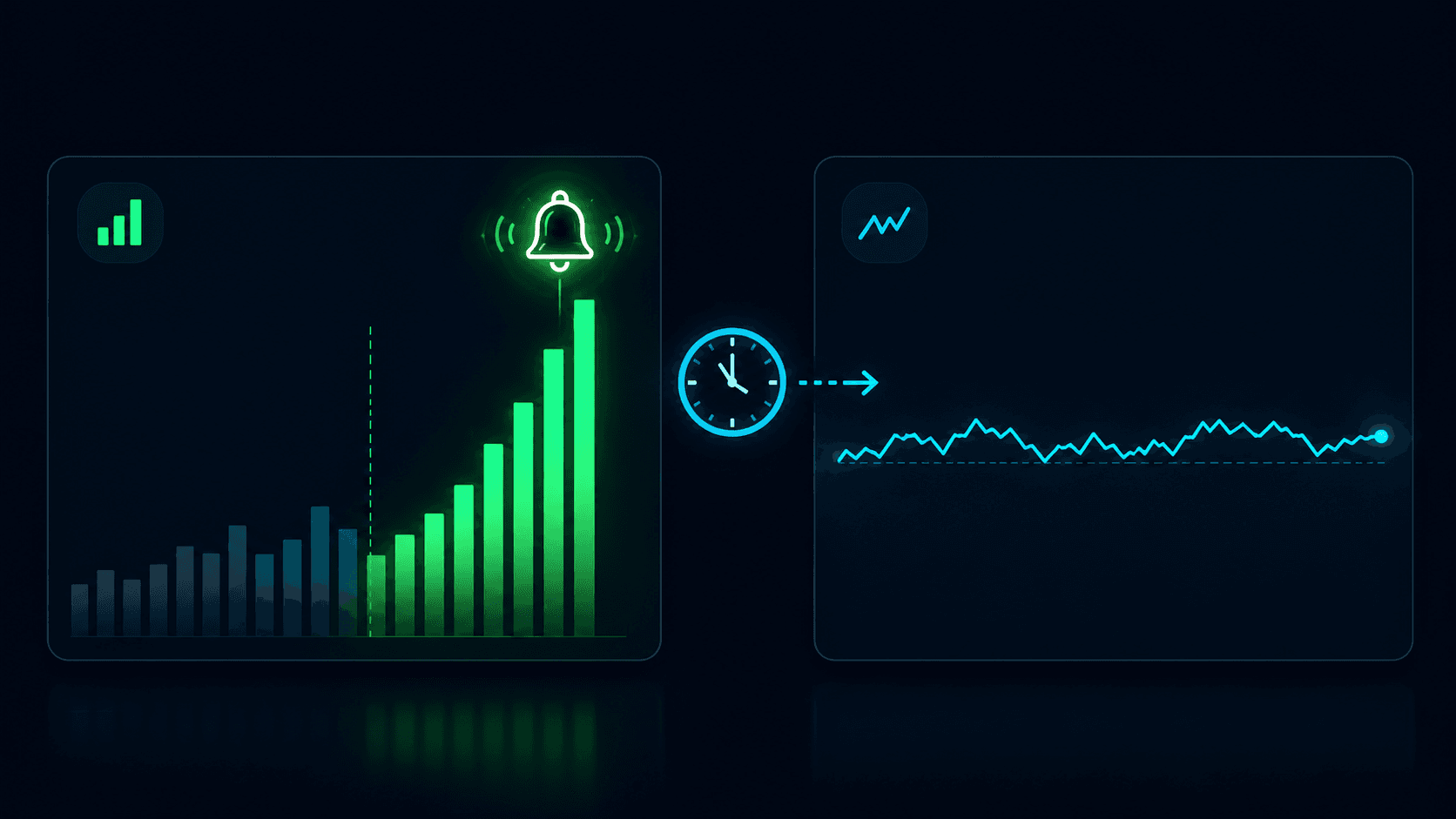
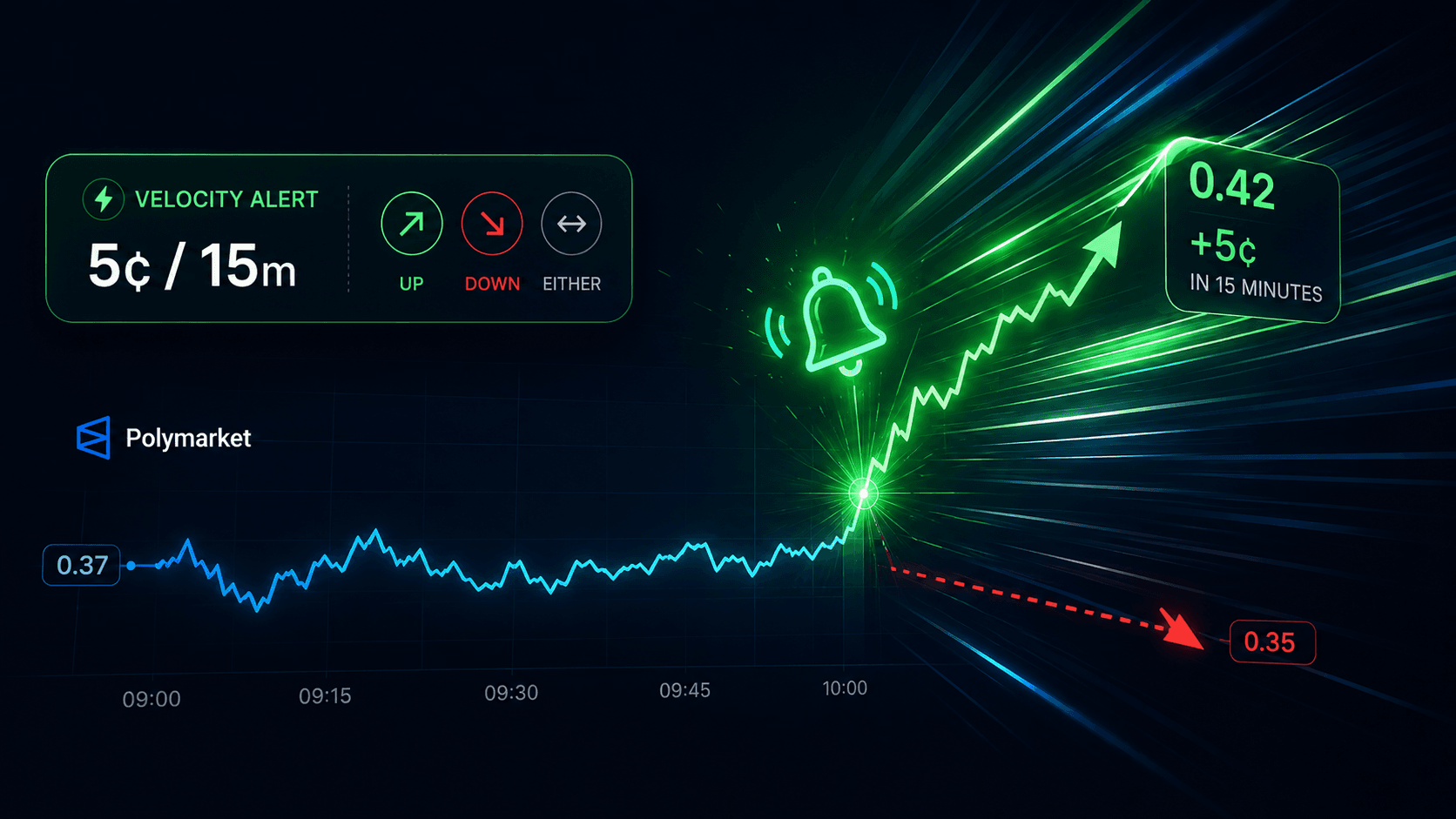
Prediction markets move fast. One breaking news story, one leaked poll, one unexpected announcement and the market you've been watching jumps from 45 cents to 68 cents in minutes. If you weren't monitoring it at exactly the right moment, you missed the trade.
This is the fundamental challenge every Polymarket trader faces: you can't watch every market, every second of every day. Yet the best opportunities often appear without warning, rewarding only those who happen to be paying attention.
Polymarket price alerts solve this problem. Instead of manually refreshing charts and hoping you catch the right moment, you define exactly what price movements matter to you and get notified the instant they happen. Whether you're tracking crypto predictions, political events, or sports outcomes, real-time Polymarket alerts let you trade on your terms.
In this comprehensive guide, you'll learn how to set Polymarket alerts using PolyAlertHub, understand the mechanics behind effective price alerts, and discover strategies that successful traders use to stay ahead of the market.
What is Polymarket?
Before diving into price alerts, let's establish what makes Polymarket unique and why alerts are so valuable in this environment.
Polymarket is a decentralized prediction market platform where users trade on the outcomes of real-world events. Unlike traditional betting, Polymarket operates on a fundamental principle: market prices reflect collective probability assessments.
When you see a market trading at $0.65, the crowd is effectively saying there's a 65% probability that outcome will occur. When the market trades at $0.30, participants believe there's only a 30% chance.
How Polymarket Prices Work
Polymarket uses a binary outcome system with shares priced between $0.00 and $1.00:
- $0.00 = The market believes this outcome has 0% chance of happening
- $1.00 = The market believes this outcome has 100% chance of happening
- $0.50 = Maximum uncertainty the market considers it a coin flip
When an event resolves, winning shares pay out $1.00, while losing shares become worthless. This creates opportunities for traders who can identify mispricings before the broader market corrects.
Key Insight: Prediction market prices are dynamic probabilities. They change constantly as new information enters the market. This is why prediction market notifications are essential prices can shift dramatically in seconds when news breaks.
Why Price Movements Matter
Unlike stock markets where prices can theoretically rise indefinitely, Polymarket prices are bounded between 0 and 1. This creates unique dynamics:
- Rapid convergence — As an event approaches resolution, prices tend to converge toward 0 or 1
- Information sensitivity — A single news story can move markets 20-30 cents instantly
- Timing is everything — Entering at 0.40 versus 0.55 can be the difference between profit and loss
This environment demands real-time Polymarket alerts. Missing a 15-cent move isn't just an inconvenience it can mean missing the entire trade thesis.
What Are Polymarket Price Alerts?
A Polymarket price alert is a notification that fires when a specific market crosses a price threshold you've defined. Instead of manually monitoring markets, you set your conditions once and receive alerts automatically when those conditions are met.
Core Components of a Price Alert
Every price alert on PolyAlertHub includes these essential elements:
1. Market Selection
Choose any active Polymarket event. Whether it's "Will Bitcoin exceed $100K by December 31?" or "Who will win the 2028 Presidential Election?" you can set alerts on any market.
2. Outcome Selection
Select whether you're tracking the "Yes" or "No" side of the market, choose the specific outcome you care about.
3. Target Price
Set the price threshold that matters to you. Prices range from 0¢ to 100¢ (representing 0% to 100% probability).
4. Direction (Above or Below)
Define whether you want to be alerted when the price goes above or below your target:
- Above: Alert triggers when price rises past your threshold
- Below: Alert triggers when price drops past your threshold
Advanced Alert Options
PolyAlertHub offers additional configurations for sophisticated traders:
5. Repeating Alerts
Standard alerts trigger once and complete. Repeating alerts notify you every time the condition is met, perfect for volatile markets or ongoing monitoring.
6. Cooldown Period
When using repeating alerts, the cooldown period prevents notification spam. Options range from 15 minutes to 24 hours:
- 15 minutes (Premium)
- 30 minutes (Premium)
- 1 hour (Free and Premium)
- 2 hours (Premium)
- 4 hours (Premium)
- 12 hours (Premium)
- 24 hours (Premium)
7. Maximum Triggers
Set a cap on how many times a repeating alert can fire. Once reached, the alert automatically completes. Leave empty for unlimited triggers.
Real-Life Example: Setting Up a Price Alert
Let's walk through a practical example to make this concrete.
Scenario: Crypto Price Prediction
Imagine you're tracking the market: "Solana Up or Down – Jan 16, 9:55–10:00AM ET"
The market is currently trading at 52¢, meaning the crowd believes there's about a 52% chance Solana will be "Up" during that window. You believe if positive crypto news breaks, this could spike to 70¢ or higher but you don't want to sit and watch the chart for hours.
Your Alert Configuration:
| Setting | Value |
|---|
| Market | Solana Up or Down – Jan 16, 9:55–10:00AM ET |
| Outcome | Yes (Up) |
| Target Price | 60¢ |
| Direction | Above |
| Repeating | Yes |
| Cooldown | 30 minutes |
| Max Triggers | 5 |
What Happens:
- When the "Yes" price crosses above 60¢, you receive an instant notification
- The alert enters a 30-minute cooldown to prevent spam
- If the price dips and rises above 60¢ again after the cooldown, you're notified again
- After 5 total notifications, the alert automatically completes
This setup lets you catch momentum moves without watching the screen, while the cooldown and max triggers prevent notification overload.
How to Set Polymarket Alerts on PolyAlertHub.com
Ready to create your first Polymarket price alert? Follow this step-by-step guide.
Step 1: Create Your PolyAlertHub Account
- Visit PolyAlertHub.com
- Click "Get Started" or "Sign Up"
- Create your account using email
- Verify your email address to activate your account
Note: Free accounts get a shared quota of up to 3 active alerts total across Market, Whale, Trader, and Price alerts (with repeating triggers, fixed 60-minute cooldown for price alerts). Pro users get up to 500 active price alerts with custom cooldown options and higher per-type limits across the other alert types.
Before creating alerts, set up how you want to receive notifications:
- Navigate to your Profile settings
- Choose your preferred notification method:
- Email — Receive alerts to your inbox
- Telegram — Get instant push notifications via Telegram bot
- Follow the setup instructions for your chosen channel
- Verify your notification settings are working
Step 3: Navigate to Price Alerts
- From the main dashboard, click "Price Alerts" in the navigation menu
- Click the "Create Alert" button
- You'll see the alert creation form
Step 4: Search and Select Your Market
- In the market search field, start typing the name of the market you want to track
- Select the correct market from the dropdown results
- The current price and market details will display automatically
Step 5: Choose Your Outcome
- Select whether you're tracking "Yes" or "No" shares
- The current price for that outcome will update
Step 6: Set Your Price Target and Direction
- Enter your target price (between 0 and 100 cents)
- Choose your direction:
- Above — Alert when price rises past your target
- Below — Alert when price falls below your target
- Review the current price to ensure your alert makes sense
Tip: For "Above" alerts, set a target higher than the current price. For "Below" alerts, set a target lower than the current price.
- Toggle "Repeating Alert" if you want multiple notifications
- Select your cooldown period (15 minutes to 24 hours)
- Optionally set a maximum number of triggers
- Leave max triggers empty for unlimited notifications
Step 8: Create Your Alert
- Review all your settings
- Click "Create Alert"
- Your alert is now active and monitoring the market
You'll see your new alert in your active alerts list, where you can edit, delete, or monitor its status at any time.
Benefits of Using Polymarket Price Alerts
Why should you use Polymarket notifications instead of manually watching markets? Here are the key advantages:
1. Never Miss a Trade
The most obvious benefit: you'll catch opportunities you would otherwise miss. Markets move 24/7, and price alerts work while you sleep, work, or focus on other things.
2. Trade on Your Terms
Instead of reacting impulsively to random price movements, alerts let you define your strategy in advance. You decide what prices matter then execute when those levels are reached.
3. Reduce Screen Time
Constantly watching charts is mentally exhausting and often counterproductive. Alerts free you from the screen while keeping you informed of meaningful movements.
4. Manage Risk Effectively
Set alerts at your stop-loss levels or profit targets. If a position moves against you, you'll know immediately not hours later when the damage is done.
5. Scale Your Monitoring
Humans can realistically watch a handful of markets at once. With alerts, you can track dozens or hundreds of markets simultaneously, each with customized conditions.
6. Execute Faster
When an alert fires, you can act immediately. No time spent scrolling through markets trying to find the opportunity it comes directly to you.
Use Cases and Trading Strategies
Polymarket price alerts are versatile tools that support many trading approaches. Here are the most common use cases:
Crypto Prediction Markets
Crypto markets are notoriously volatile. Short-term crypto predictions on Polymarket can swing 20-30 cents in minutes when major price movements occur.
Strategy: Set alerts on crypto-related markets at key breakout levels. For example, if a "Bitcoin above $X" market is trading at 40¢, set an above alert at 55¢ to catch momentum moves.
Political Event Trading
Political markets often see dramatic shifts around debates, polls, and announcements. These events are scheduled, but the market's reaction is not.
Strategy: Set alerts on both sides of key political markets. An above alert at 60¢ and a below alert at 40¢ on the same market catches significant moves in either direction.
Sports Outcome Markets
Sports prediction markets can move rapidly based on injuries, weather, and pre-game news.
Strategy: Use repeating alerts with short cooldowns on sports markets in the hours before events. This captures late-breaking news that moves lines.
High-Volatility Situations
During major news events, multiple markets may move simultaneously. Manually tracking them all is impossible.
Strategy: Set alerts on all markets related to a specific theme. When news breaks, your relevant alerts will fire, directing your attention to the right opportunities.
Whale Price Movement Tracking
Large traders (whales) moving positions can significantly impact prices. Their activity often precedes broader market moves.
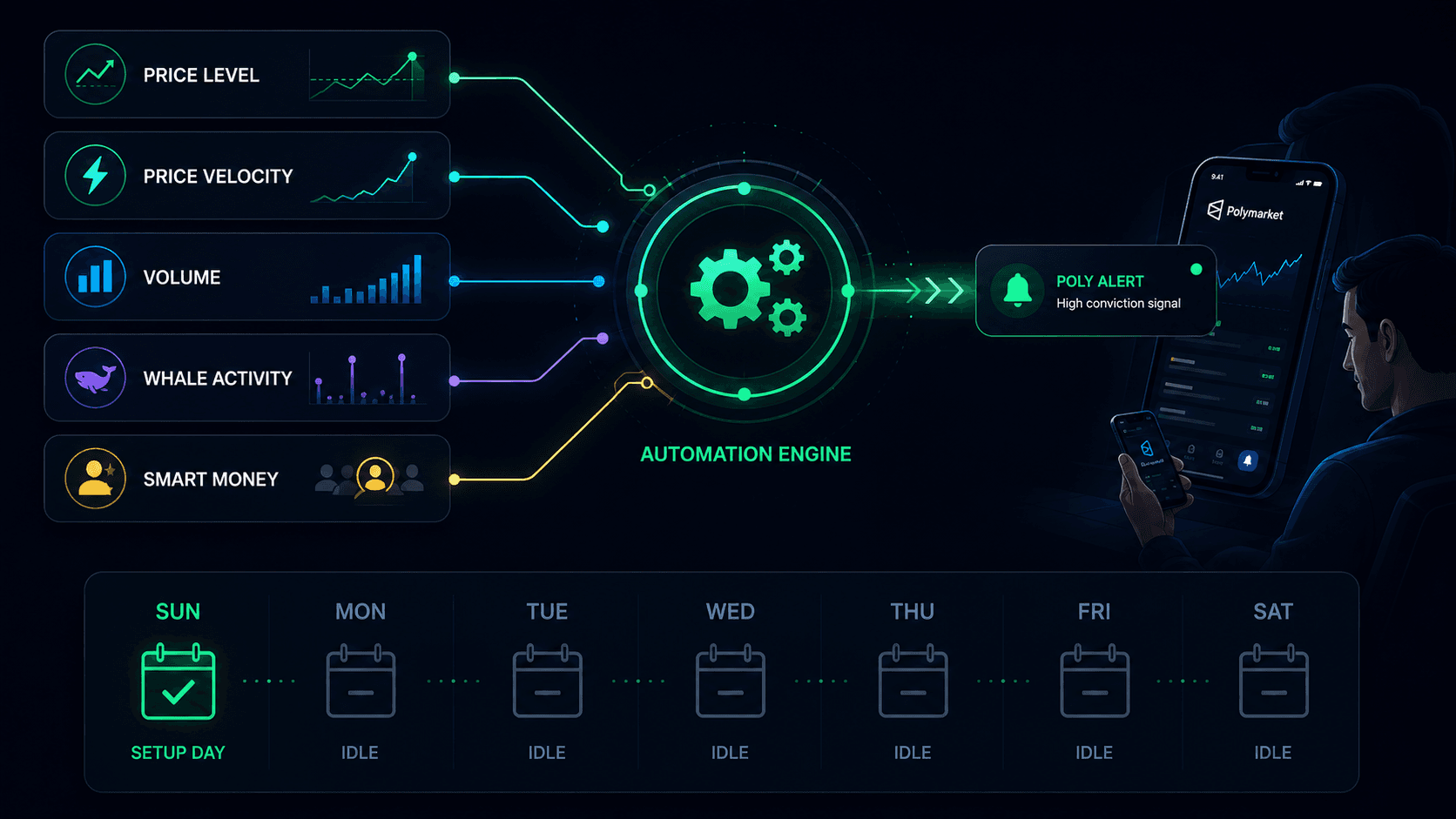
Strategy: Combine price alerts with PolyAlertHub's Whale Alerts feature. When whales move and your price alert fires simultaneously, it's a high-conviction signal.
Portfolio Monitoring
If you hold existing positions, alerts help you manage them without constant watching.
Strategy: Set below alerts at your mental stop-loss levels and above alerts at your profit-taking targets. You'll know immediately when action is needed.
PolyAlertHub isn't the only solution for Polymarket notifications, though it offers the most comprehensive feature set. Here's how different approaches compare:
PolyAlertHub
- Full-featured alert platform with email and Telegram notifications
- Price alerts, whale alerts, trader alerts, and fresh wallet alerts
- Repeating alerts with customizable cooldowns
- Paper trading integration for strategy testing
- Premium features for power users
Telegram Bots
Some third-party Telegram bots offer basic Polymarket price alerts. These are typically:
- Limited in market coverage
- Basic threshold alerts only
- No repeating or advanced options
- Variable reliability
Manual Monitoring
You can always monitor markets manually through Polymarket's interface. However:
- Requires constant attention
- Easy to miss rapid movements
- Doesn't scale across many markets
- Mentally exhausting
Browser Extensions
Some browser extensions offer price monitoring features:
- Require browser to be open
- Limited customization options
- No mobile notifications
- May not work reliably
For serious traders who want reliable, customizable real-time Polymarket alerts, a dedicated platform like PolyAlertHub provides the most robust solution.
Frequently Asked Questions
How do Polymarket price alerts work?
Polymarket price alerts monitor market prices in real-time and send notifications when your specified conditions are met. You define a market, an outcome (Yes or No), a target price, and a direction (above or below). When the market price crosses your threshold, you receive an instant notification via email or Telegram. Repeating alerts continue monitoring and can notify you multiple times with configurable cooldown periods.
Can you get alerts for every Polymarket market?
Yes, PolyAlertHub allows you to set price alerts on any active Polymarket event. Whether it's crypto predictions, political markets, sports outcomes, or any other category if it's live on Polymarket, you can create an alert for it.
What notification channels does PolyAlertHub use?
PolyAlertHub supports two primary notification channels:
- Email — Alerts are sent to your registered email address
- Telegram — Instant push notifications through the PolyAlertHub Telegram bot
You can configure your preferred notification method in your profile settings. Many users prefer Telegram for its speed and reliability on mobile devices.
What is a cooldown period and why does it matter?
The cooldown period is the minimum time that must pass between notifications for a repeating alert. It prevents notification spam in volatile markets where prices might cross your threshold multiple times in quick succession.
For example, if a market oscillates between 59¢ and 61¢, and you have an above alert at 60¢, without a cooldown you might receive dozens of notifications. A 30-minute cooldown ensures you're notified once per significant price movement rather than once per minor fluctuation.
Cooldown options:
- Free users: Fixed 60-minute cooldown
- Premium users: 15 minutes to 24 hours, fully customizable
How many price alerts can I create?
- Free accounts: Up to 3 active alerts total — a shared quota across Market, Whale, Trader, and Price alerts (with repeating triggers, fixed 60-minute cooldown for price alerts)
- Premium accounts: Up to 500 active price alerts
Completed and cancelled alerts don't count against your limit, only active alerts.
Do alerts work 24/7?
Yes, PolyAlertHub monitors markets continuously. Alerts work around the clock, including nights, weekends, and holidays. You'll receive notifications whenever your conditions are met, regardless of the time.
Can I edit or cancel an alert after creating it?
Yes, you can modify or delete any active alert from your alerts dashboard. You can change the target price, direction, or repeating options. If you cancel an alert, it moves to your cancelled alerts history.
What happens when an alert completes?
When a non-repeating alert's condition is met, it triggers once and automatically moves to your completed alerts list. For repeating alerts with a max trigger limit, the alert completes when it reaches the maximum number of notifications. Completed alerts are saved in your history for reference.
Ready to Trade Smarter?
Create your free PolyAlertHub account and set up your first Polymarket price alert in minutes. Start with the markets you're already watching, define your key price levels, and experience the difference that timely notifications make. For the full picture of what you can route, see our unified Polymarket alerts engine.
Premium users unlock advanced features including:
- 15-minute minimum cooldowns for repeating alerts
- Up to 500 active alerts
- Full access to whale alerts, trader alerts, and fresh wallet alerts
- Priority support and new feature access
Stop watching charts. Start trading smarter with Polymarket price alerts from PolyAlertHub.
PolyAlertHub is the leading analytics and alert platform for Polymarket traders. Our mission is to help you trade prediction markets with better information, better timing, and better results.