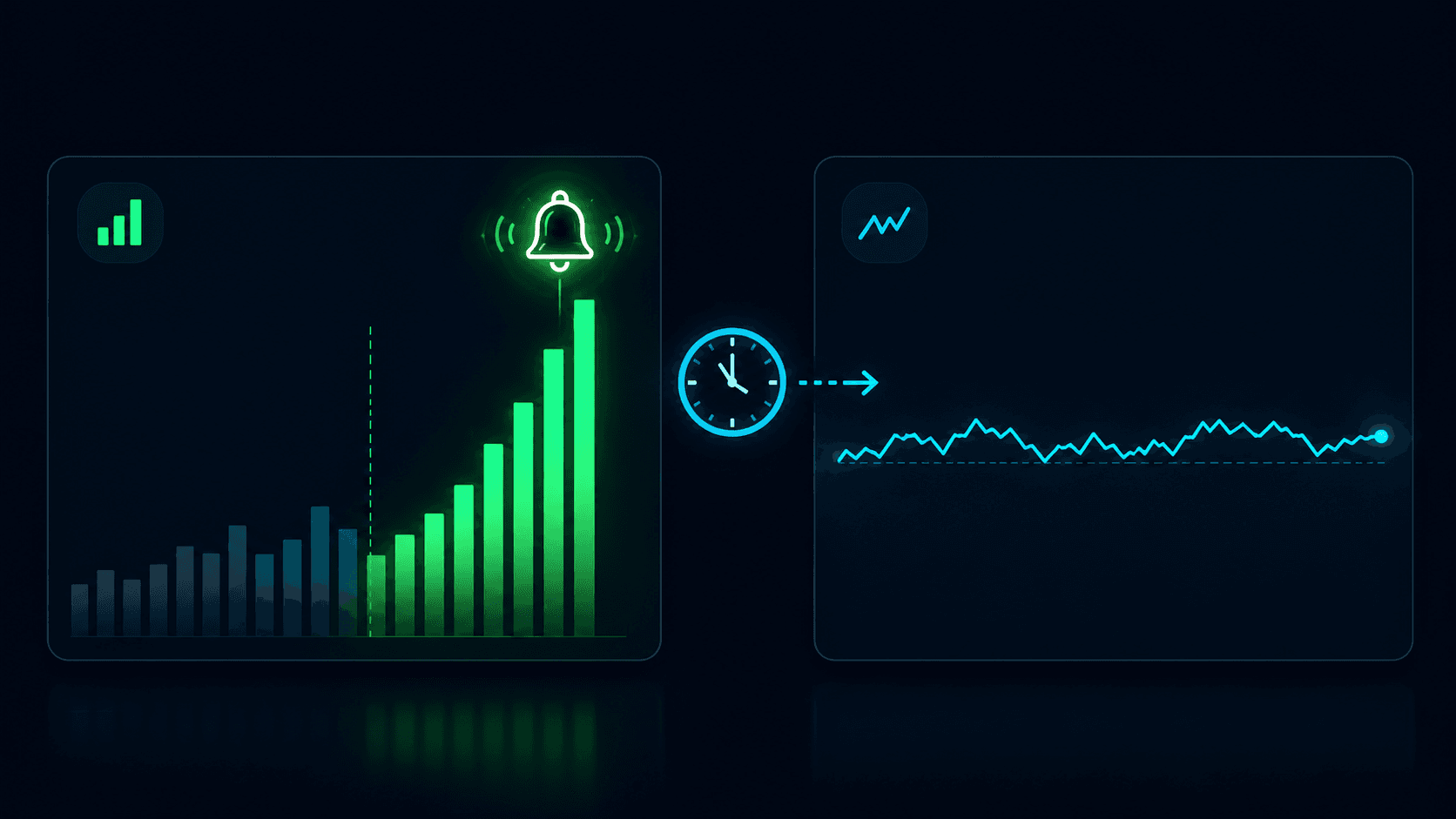
Unlocking Market Sentiment with the Polymarket Whale Tracker
Prediction markets are rarely democratic. While the concept relies on the "wisdom of the crowd," the reality is often dictated by the conviction of a few. In markets like Polymarket, a single entity with deep pockets and a strong thesis often referred to as a "whale" can shift probabilities, absorb liquidity, and completely alter the sentiment landscape of an event in seconds.
For the average trader, operating without visibility into these movements is akin to playing poker with your cards face up while your opponents keep theirs hidden. You might see the price move, but you do not know if it is a retail frenzy or a single institutional-sized player taking a massive stance.
This guide explores the mechanics of tracking these large market participants using the Polymarket Whale Tracker. We will look at why whale activity matters, how to distinguish between noise and signal, and how to use live market flow to make more informed decisions rather than blindly copying trades. Once you can read the flow, the natural next step is acting on it — covered in our companion guide on how to copy trade Polymarket whales.
Key Takeaways
- Volume does not equal conviction: A large volume of trading does not always mean a whale is taking a directional bet; they may be providing liquidity or hedging.
- Price impact is the metric that matters: The size of a trade is less important than how much it moved the probability of the outcome.
- Context is everything: A whale buying "Yes" might actually be closing out a "No" position. You need to see the full position history.
- Alerts save time: Automated monitoring allows you to track market-moving events without staring at a screen 24/7.
What a "whale" means on Polymarket (and why it moves markets)
In the context of prediction markets, a "polymarket whale" is not defined strictly by net worth. Instead, a whale is defined by their ability to move the needle on a specific market. A trader with $50,000 might be a minnow in a US Presidential Election market, but that same capital makes them a massive whale in a niche market about a specific crypto airdrop or a pop culture event.
Whale activity moves markets through two primary mechanisms: price impact and signaling.
Price Impact occurs because prediction markets operate on order books with varying depths. If a whale executes a market buy for 50,000 shares of an outcome trading at 50 cents, they strip away the available liquidity at that price tier, forcing the price upward to 55 or 60 cents instantly.
Signaling is the secondary effect. When other participants see a large buy order from a known profitable wallet, they often assume the whale possesses superior information—what traders call "smart money". This triggers copy-trading, which exacerbates the price move. However, blindly following these signals is dangerous. Whales often use prediction markets to hedge real-world risk (like buying "Trump to lose" to hedge a stock portfolio that benefits from a Republican victory), meaning their betting behavior might be the opposite of their actual prediction.
Introducing PolyAlertHub’s Polymarket Whale Tracker
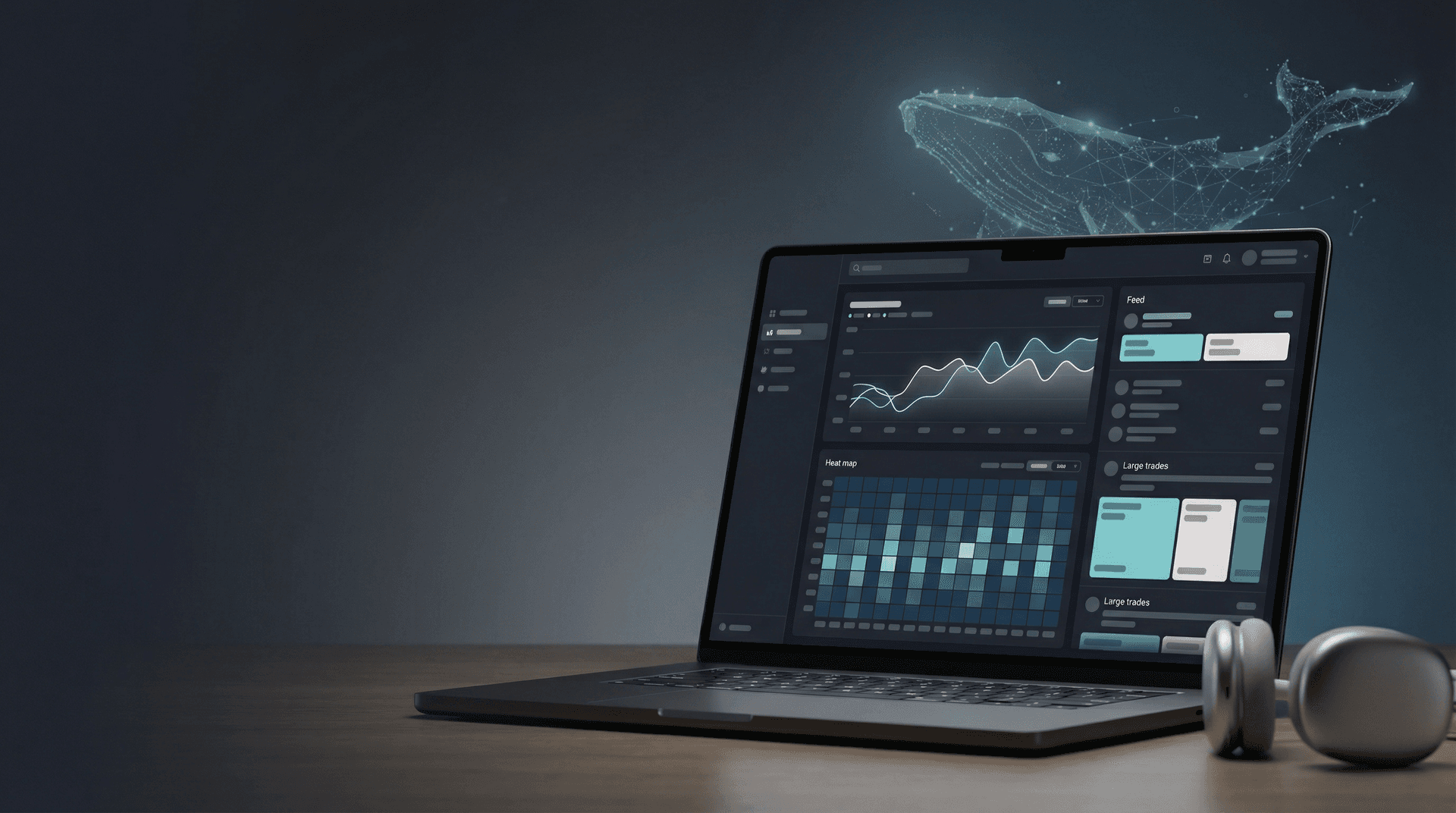
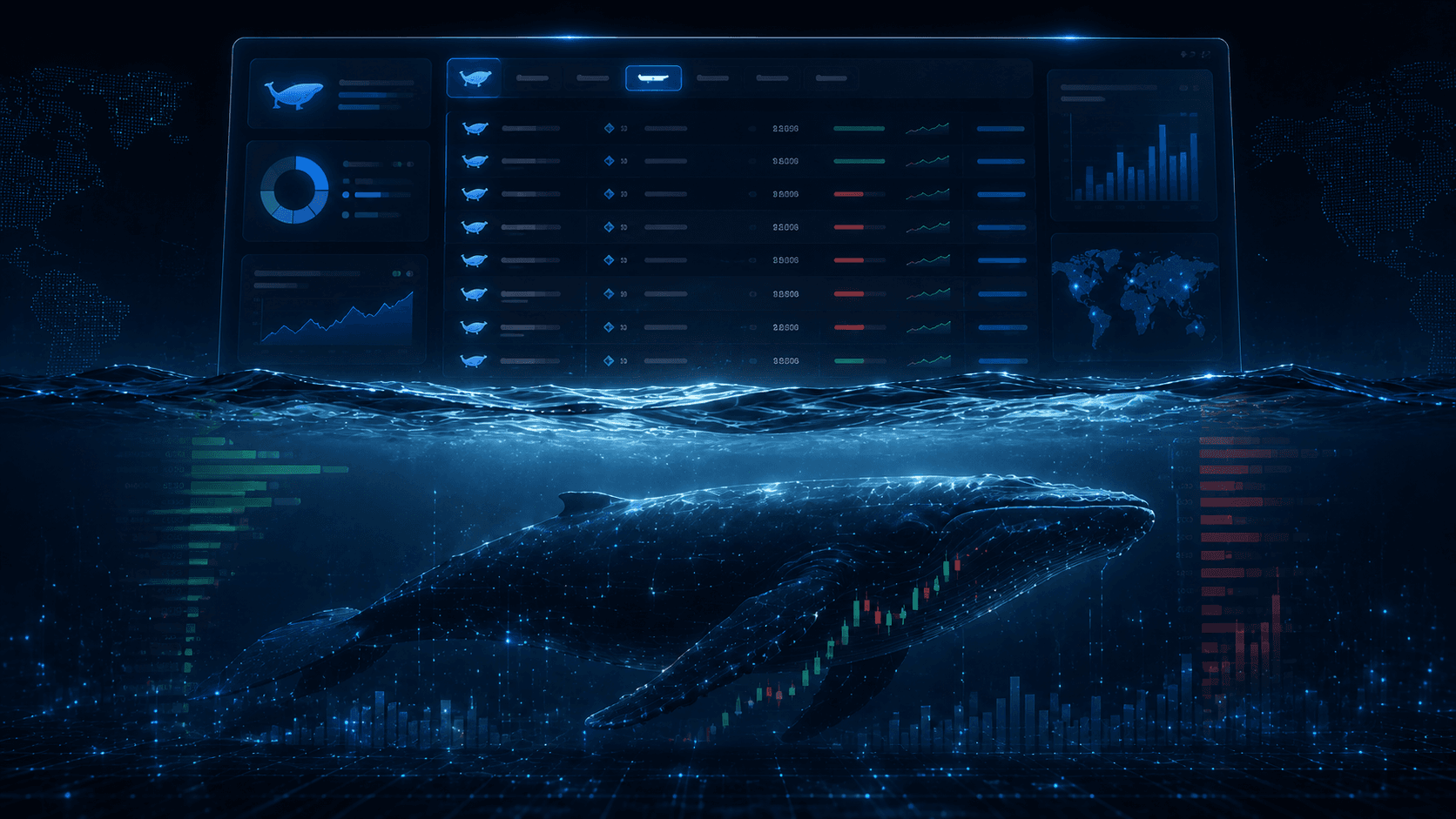
We built this tool to bridge the gap between raw order book feeds and actionable insights. The Polymarket Whale Tracker provides real-time monitoring of large traders, significant position shifts, and liquidity events across the Polymarket ecosystem.
This is not a signal service that tells you what to buy. It is an analytics dashboard designed to help you understand who is buying, how much they are risking, and when they are entering or exiting.
The tool aggregates data directly from the exchange order books and relayer feeds, parsing it into a human-readable format. Instead of scanning raw logs and message streams, you get a clean feed showing the trader, the market, the outcome, the size, and the type of trade.
Pro Tip: Do not treat this tool as a financial advisor. The tracker shows you what happened. It is up to you to interpret why it happened. A whale might be wrong, or they might be manipulating sentiment to exit a position elsewhere.
Live Feed (real-time monitoring that’s actually usable)
The core of the Polymarket whale tracker is the Live Feed. In a fast-moving market, historical data is often too late. You need to see the flow as it happens.
However, a raw feed of every $5 trade is useless noise. The Live Feed includes advanced filtering capabilities that allow you to strip away the retail noise and focus solely on significant capital flows. You can filter by:
- Minimum USD Value: Filter out anything below $1,000, $5,000, or $50,000 depending on the market depth.
- Event Type: Filter for buys, sells.
- Specific Trader: Watch a specific wallet address if you have identified a high-performing trader.
Understanding Event Types
To use the feed effectively, you must understand the terminology:
- Buy/Sell: Standard directional trades.
Example Scenario:
You are watching a market on "Will Bitcoin hit $100k?" The probability is stagnant at 20%. Suddenly, the Live Feed shows three consecutive "Buy Yes" orders for $25,000 each from the same wallet. The price jumps to 24%. This is an aggressive directional bet.
Positions (seeing whale concentration across markets)
Watching individual trades is like watching a single frame of a movie. To understand the plot, you need to look at Positions.
The Positions view allows you to see the accumulated exposure of large traders. A whale might buy $5,000 worth of "Yes" shares every hour for three days. On the Live Feed, these trades look like moderate noise. But in the Positions view, you would see a massive accumulation of $360,000 worth of exposure built up quietly over time.
This feature is critical for detecting:
- Conviction Buys: High concentration in a single outcome suggests strong confidence.
- Diversification: A whale holding "Yes" on multiple correlated markets (e.g., multiple Republican Senate seat wins) indicates a macro thesis rather than specific fresh wallet knowledge on one race.
- Position Reduction: If a top holder starts slowly selling off their position while the price is rising, they are distributing to retail buyers. This is often a bearish signal.
Pro Tip: Look for "divergence." If the price of an outcome is dropping, but the top whales are increasing their positions, it may indicate a buying opportunity where retail panic is momentarily mispricing the asset.
Whale Alerts (how to set them up without getting noise)
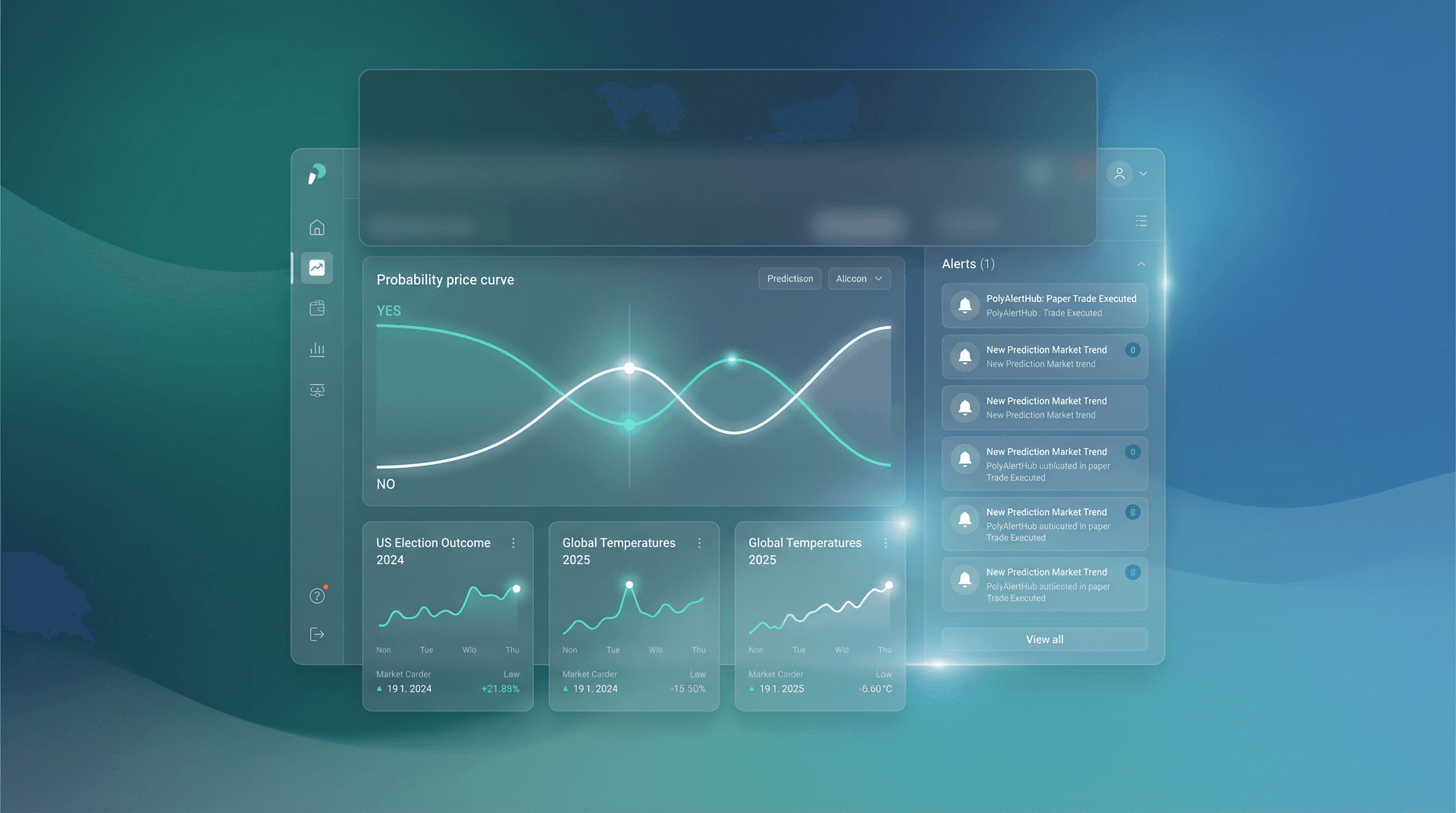
You cannot stare at a dashboard all day. That is where Polymarket Whale Alerts come in. This feature allows you to define custom triggers that push notifications to you when specific criteria are met.
The biggest mistake users make is setting alerts too low. If you set an alert for "Any trade over $500," your phone will never stop buzzing, and you will ignore the notifications.
Recommended Alert Setup:
- Market Specific: If you are following a specific election, set an alert for trades > $10,000 in that specific market ID.
- Whale Watch: Set alerts for specific wallet addresses of known sharp traders.
- Market Movers: Set a global alert for any trade across Polymarket that exceeds $50,000. These are rare enough to be interesting but frequent enough to keep you informed of macro flows.
By refining your alerts, you ensure that when a notification hits, it is actionable.
Analytics & leaderboards (finding patterns, not just one-off splashes)
Finding a "polymarket whale" is easy; evaluating their skill is hard. A trader who bets $1 million and loses $1 million is a whale, but they are not worth following.
The Analytics and Leaderboards section helps you differentiate between "dumb money" (large size, poor timing) and "smart money" (consistent profitability). By analyzing whale trades over time, you can identify patterns.
What to look for on the Leaderboard:
- Win Rate vs. PnL: A trader with a 90% win rate might just be betting on 99-cent odds (picking sure things for pennies). Look for traders with high PnL (Profit and Loss) relative to their volume.
- Specialization: Some whales only trade sports; others only trade crypto prices or politics. Identify their niche. If a sports betting whale suddenly dumps $100k into a geopolitical market, be skeptical they are stepping outside their circle of competence.
- Consistency: Look for wallets that have been active for months, not just fresh wallets funded yesterday. Fresh wallets with massive funding are often one-off throwaway accounts for a specific event.
How to use whale data responsibly (a simple framework)
Data without a framework leads to bad decisions. Here is a step-by-step process for using the tracker:
- Confirm the Signal: You see a large trade. Is it a Buy or a Split? If it is a Split, ignore it for directional bias.
- Check Liquidity: Did the trade move the price significantly? If a $10k buy moved the price 10%, the market is illiquid and the signal is weak. If a $100k buy barely moved it, the seller (counterparty) was just as strong as the buyer.
- Cross-Reference: Check the Positions tab. Is this whale adding to a position or closing one?
- Assess the "Why": Ask yourself why this trade happened now. Is there breaking news? Or is this a random fluctuation?
- Manage Risk: Even if you decide to follow the whale, do not match their size. They might be working with a $10M bankroll while you are working with $10k. Their risk tolerance is different from yours.
Common mistakes people make when tracking a polymarket whale
1. Confusing Hedging for Conviction
As mentioned, a whale buying "Yes" on a recession might just be hedging a long stock portfolio. They hope they lose the bet.
2. Late Copying
By the time you see the alert, open the page, and click buy, the price has likely moved. If the whale bought at 40 cents and the price is now 48 cents, you have lost a massive chunk of the potential edge.
3. Ignoring "Smart" Selling
People obsess over buys. But seeing a profitable whale exit a position is often a more reliable signal than seeing them enter.
4. Assuming One Wallet = One Person
Sophisticated traders use multiple wallets to disguise their size. They might buy on three different accounts simultaneously.
5. Over-reliance on "Influencer" Wallets
Just because a wallet is famous on Twitter/X does not mean they are profitable. Check the PnL leaderboards, not social media clout.
Who this is for (and who should ignore it)
The Polymarket Whale Tracker is designed for intermediate to advanced traders who understand market mechanics. It is for users who want to see the flow of funds and make their own decisions based on data.
You should ignore this tool if:
- You are looking for a "guaranteed" signal to copy.
- You do not understand the difference between a limit order and a market order.
- You panic sell at the first sign of volatility.
Final thoughts
Prediction markets are the purest form of information discovery, and money is the loudest voice in the room. By tracking the largest participants, you gain insight into where conviction lies before the news cycle catches up.
The Polymarket Whale Tracker puts that power in your hands. Whether you are looking for high-conviction trades, monitoring market manipulation, or simply curious about how the big players are positioning themselves, this tool provides the transparency you need.
Remember that whales bleed just like the rest of us. Use the data to inform your thesis, not to replace it.
Explore the Polymarket Whale Tracker
Disclaimer: The content provided in this article and via the PolyAlertHub tools is for informational purposes only. It does not constitute financial, investment, or trading advice. Prediction markets carry high risk, and you should never wager more than you can afford to lose.
Feature Comparison
| Feature | Best Used For | Limitations |
|---|
| Live Feed | Spotting immediate action and sudden volatility. | Can be noisy; requires filtering to be useful. |
| Positions | Analyzing long-term conviction and accumulation. | Does not show the timing of entry, just the current state. |
| Alerts | Passive monitoring of specific markets or traders. | Can lead to "alert fatigue" if thresholds are too low. |
| Analytics | Identifying profitable traders to watch. | Past performance does not guarantee future results. |
Frequently Asked Questions
What is a Polymarket whale tracker?
A Polymarket whale tracker is an analytics tool that monitors live order flow and volume for large transactions and position changes on the Polymarket prediction platform. It helps users identify high-value trades, liquidity shifts, and the activities of major market participants in real-time.
Do whale trades guarantee the outcome will happen?
No. Whale trades simply indicate that a trader with significant capital has a strong conviction (or a need to hedge). Whales can be wrong, and they frequently lose money. Whale activity should be used as one data point among many, not as a guarantee of future events.
How do I set whale alerts without getting spammed?
To avoid spam, set your alert thresholds significantly higher than the average trade size. For example, instead of alerting on every $100 trade, set a threshold for $10,000 or $50,000. You can also filter alerts to specific markets or specific trader addresses to reduce noise.
What is the difference between a whale trade and a position shift?
A "whale trade" is a single transaction (e.g., buying $50k of "Yes"). A "position shift" refers to the net change in a trader's exposure over time. A trader might execute fifty small trades that don't look like whale activity individually, but collectively they represent a massive position shift.
Yes. If you know the wallet address of a trader you want to follow, you can input that address into the tracker to filter for their specific activity. This is useful for following "smart money" wallets that have a history of high profitability.
Is tracking whales the same as following smart money?
Not always. "Whales" refers to size (large capital), while "smart money" refers to skill (high profitability/information). A wealthy trader can still make bad bets. The best strategy is to use the analytics leaderboards to find traders who are both whales and smart money.