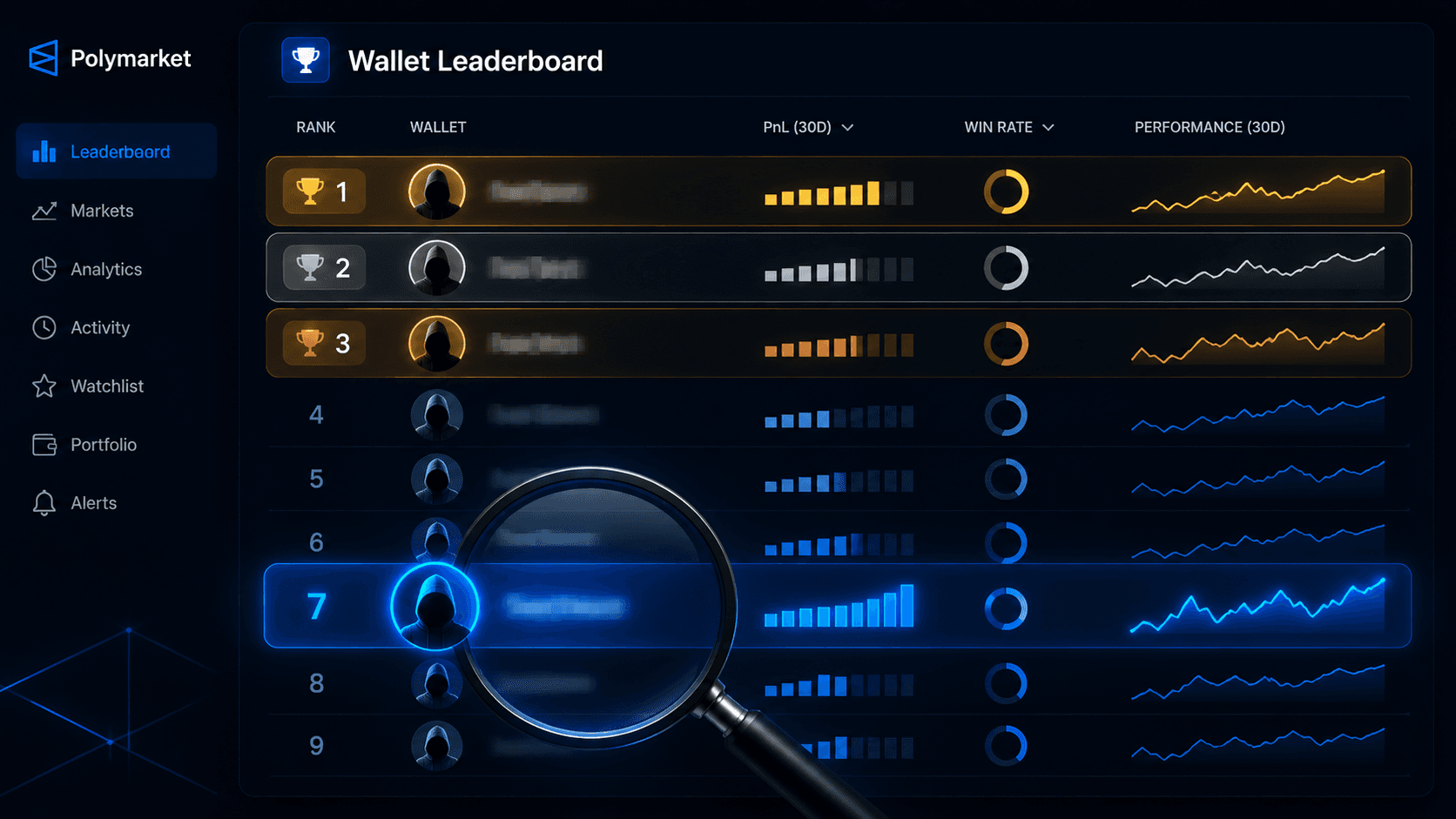
Polymarket Wallet Leaderboard Explained
When most people look at a Polymarket wallet leaderboard for the first time, they treat it like a Top 40 chart. The wallet at #1 must be the best. The top 10 must be where the smart money lives. Anyone outside the top 100 is not worth thinking about.
If only it were that simple.
A leaderboard is a useful surface, but it is also one of the most misread pieces of data on Polymarket. The same ranking can show you the most skilled grinder on the platform sitting next to a wallet that won one giant trade, retired, and never came back. Without knowing how to read the columns, you cannot tell them apart.
This guide is the unvarnished version of how leaderboards actually work, what each column really means, and how to use the Polymarket Leaderboard and Trader Leaderboards to find traders who are genuinely worth following.
What You Will Learn
- What each metric on a Polymarket wallet leaderboard actually measures
- The difference between a "high PnL" wallet and a "high skill" wallet
- How to filter the leaderboard so it stops lying to you
- How to combine the leaderboard with Whale Alerts to build a real watchlist
- The most common ways traders get fooled by leaderboard data
What a Polymarket Wallet Leaderboard Is (and Is Not)
A wallet leaderboard is a ranked list of trader addresses sorted by some performance metric, almost always realized PnL. It tells you, at a glance, which wallets have made the most money on the platform within whatever time window you are looking at.
What it is not:
- A "smart money" feed.
- A list of traders worth blindly copying.
- A guarantee that the people at the top will be at the top tomorrow.
- A measure of skill on its own.
A leaderboard is a starting filter. It is where you begin your research, not where you end it.
You can browse one at the Traders Leaderboard, and the underlying logic is what we will unpack next.
What Each Column Actually Means
Here is what the standard columns on a wallet leaderboard tell you, and how to read them honestly.
Realized PnL
The headline number. The total profit or loss across all of a wallet's resolved positions.
What it tells you: how much money this wallet has actually banked.
What it does not tell you:
- Whether that PnL was earned across many trades or one outlier.
- Whether the wallet is still active.
- Whether the strategy is repeatable.
A wallet up $500k could be a grinder who has been compounding consistently, or someone who hit a single jackpot a year ago and has barely traded since. The PnL number is identical. The signal is opposite.
Unrealized PnL
The marked-to-market value of all open positions.
This one is more volatile and less reliable. A trader sitting on $200k unrealized profit on a position trading at 70 cents is one bad resolution away from giving most of it back. It tells you about current bets, not about banked skill.
Useful for understanding what a trader currently believes. Less useful for ranking.
Win Rate
Percentage of resolved trades that closed in profit.
The most context-sensitive metric on the board. A 90% win rate sounds incredible until you realize someone is only buying 95-cent favorites for 5-cent payouts. A 45% win rate sounds bad until you realize the trader is hunting long shots with 10x payoffs.
Always read win rate next to the prices being traded. They have to fit together.
Resolved Trade Count
How many resolved positions are behind the win rate and PnL numbers.
This is the single most important sanity-check column. Below ~50 trades, win rate and PnL are dominated by variance. Below 20, they are basically meaningless. The leaderboard often lists wallets with 12 resolved trades and a 75% win rate at the top. Those wallets are noise.
A serious trader has a meaningful sample. Sort and filter accordingly.
Volume Traded
Total dollar volume that has flowed through the wallet.
Useful for context. A wallet with high PnL on tiny volume probably has a small handful of high-conviction wins. A wallet with high PnL on huge volume is grinding. Both can be valid, but they are different kinds of trader.
It is also a flag for non-directional activity: extremely high volume with near-zero PnL often indicates market-making behavior, not predictive skill.
Active Markets / Categories
How spread out the wallet is.
A wallet with most resolved trades concentrated in one category (politics, sports, crypto) is a specialist. A wallet active across everything in roughly equal proportion is either an exceptional generalist (rare) or a market maker / hedger / wash trader (more common).
Specialists are often easier to follow because their lane is predictable.
Last Activity
When the wallet last placed a trade.
Easy to overlook, easy to get burned by. A wallet that last traded eight months ago is not a watchlist candidate, even if their lifetime numbers are great. The leaderboard rewards historical PnL. Your watchlist needs ongoing flow.
"High PnL" vs. "High Skill"
These are not the same wallet.
A high-PnL wallet might:
- Have made one enormous correct call on a single market.
- Be coasting on a brilliant year that ended in 2024.
- Have been wash trading to inflate volume and grab a temporary alpha.
- Be a hedger whose Polymarket "wins" are offsetting losses elsewhere.
A high-skill wallet looks different:
- 100+ resolved trades minimum.
- A smooth equity curve, not a single staircase step.
- Win rate that fits the prices they trade.
- Concentrated activity in one or two categories.
- Recent activity, not a year-old final trade.
The leaderboard does not separate these two by default. You have to.
How to Filter a Leaderboard So It Stops Lying
A leaderboard sorted purely by PnL with no other filters will mislead you. Here is how to apply real filters.
Step 1: Set a minimum resolved trade count.
Below 50, sample size is too small. Hide those wallets.
Step 2: Filter by recent activity.
Wallets with no trades in the last 30 to 60 days are historical, not current. They might be worth studying as case studies, but they should not be on a live watchlist.
Step 3: Sort within categories.
Sorting "best politics traders" or "best crypto traders" produces a much more useful list than sorting overall. You get specialists you can actually evaluate against the markets you trade.
Step 4: Cross-reference with smart money scoring.
Tools like the Smart Money Tracker score wallets based on weighted performance metrics rather than raw PnL. A high-PnL wallet that does not also score high in smart-money terms is suspicious.
Step 5: Open profiles before trusting numbers.
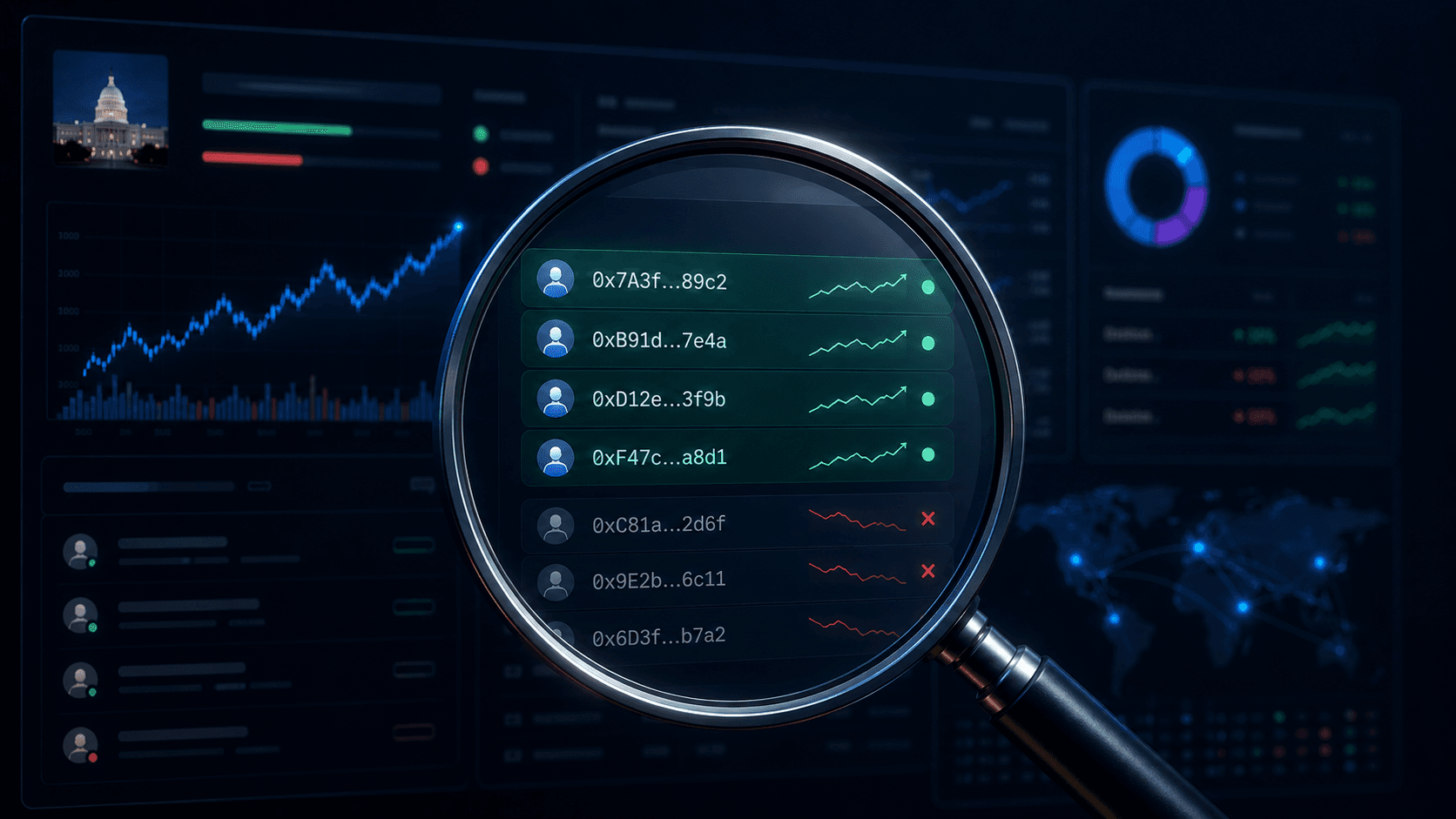
The leaderboard is a 1-line summary. The profile is the actual story. The PnL curve, the trade history, the entry behavior. If you cannot explain how a wallet made its money, it does not belong on your watchlist yet.
This is the same filtering process we walk through in detail in How to Find Winning Wallets on Polymarket.
From Leaderboard to Watchlist
The point of using the leaderboard is not to admire the rankings. It is to extract a small group of wallets you actually want to track.
Here is the step-by-step:
- Open the Traders Leaderboard. Apply minimum trade count, recent activity, and category filters.
- Scan the top 50 wallets that survive the filter. Click into each profile. Read the PnL curve.
- Pick 5 to 10 wallets that pass the four-filter framework: sample size, calibrated win rate, smooth curve, lane fit. (Detailed in How to Find Winning Wallets on Polymarket.)
- Add them to Trader Alerts so you are notified when they take meaningful positions.
- Layer Whale Alerts for general large flow that may overlap with your watchlist.
- Refresh the list quarterly. Wallets cool off, new ones rise, specialists rotate with the calendar.
A leaderboard that just sits in a tab is not doing anything for you. A leaderboard converted into a maintained, alerted watchlist is one of the most powerful research tools on the platform.
Common Leaderboard Mistakes
A few patterns we keep seeing.
Following the #1 wallet without question.
The top wallet on any given day is often there because of an outlier event. Past the headline, the underlying numbers may be average.
Ignoring resolved trade count.
A 95% win rate on 12 trades is variance, not skill. Always check the sample size next to the win rate.
Mistaking volume for skill.
High volume with flat PnL is market-making behavior, not predictive skill. Useful for understanding liquidity, useless for following directional bets.
Forgetting to check last activity.
A wallet whose lifetime PnL is incredible but who has not traded in six months is a case study, not a watchlist member.
Sorting only by PnL when you should be sorting by category.
Overall leaders are noisy. Category leaders are precise. The leaderboard becomes more useful the more you slice it.
Conclusion
A Polymarket wallet leaderboard is one of the most accessible pieces of public alpha in any market in the world. It is also one of the easiest to misread.
The honest workflow:
- Treat the leaderboard as a starting filter, not a final answer.
- Apply sample size, activity, and category filters.
- Read profiles before adding wallets to a list.
- Convert the list into alerts using Trader Alerts and Whale Alerts.
- Refresh quarterly.
Do that and the leaderboard stops being a vanity ranking and starts becoming the front door to a real research process.
Resources:
Frequently Asked Questions
How does the Polymarket wallet leaderboard rank traders?
Most wallet leaderboards rank by realized PnL by default, with optional sorts for win rate, volume, and resolved trade count. The Polymarket Leaderboard lets you slice by category and time window so you can find specialists, not just overall PnL leaders.
Can I trust the wallet at the top of the leaderboard?
Not without checking. The top spot often belongs to wallets with one massive winning trade rather than consistent skill. Always verify resolved trade count, PnL curve smoothness, and recent activity before treating any top-ranked wallet as a signal source.
What is a good resolved trade count to filter for?
A practical floor is 50 resolved trades. 100+ is more comfortable. Below 30, the win rate and PnL numbers are dominated by variance and you are basically reading noise.
How do I turn the leaderboard into actual trades?
Use it as a sourcing tool. Filter for sample size, smooth PnL, category fit, and recent activity. Pick 5 to 10 wallets, set Trader Alerts on them, and use the framework in How to Analyze Whale Trades Like a Pro to evaluate each alert before sizing a trade.