Why Professional Traders Use Alerts (And You Probably Don't)
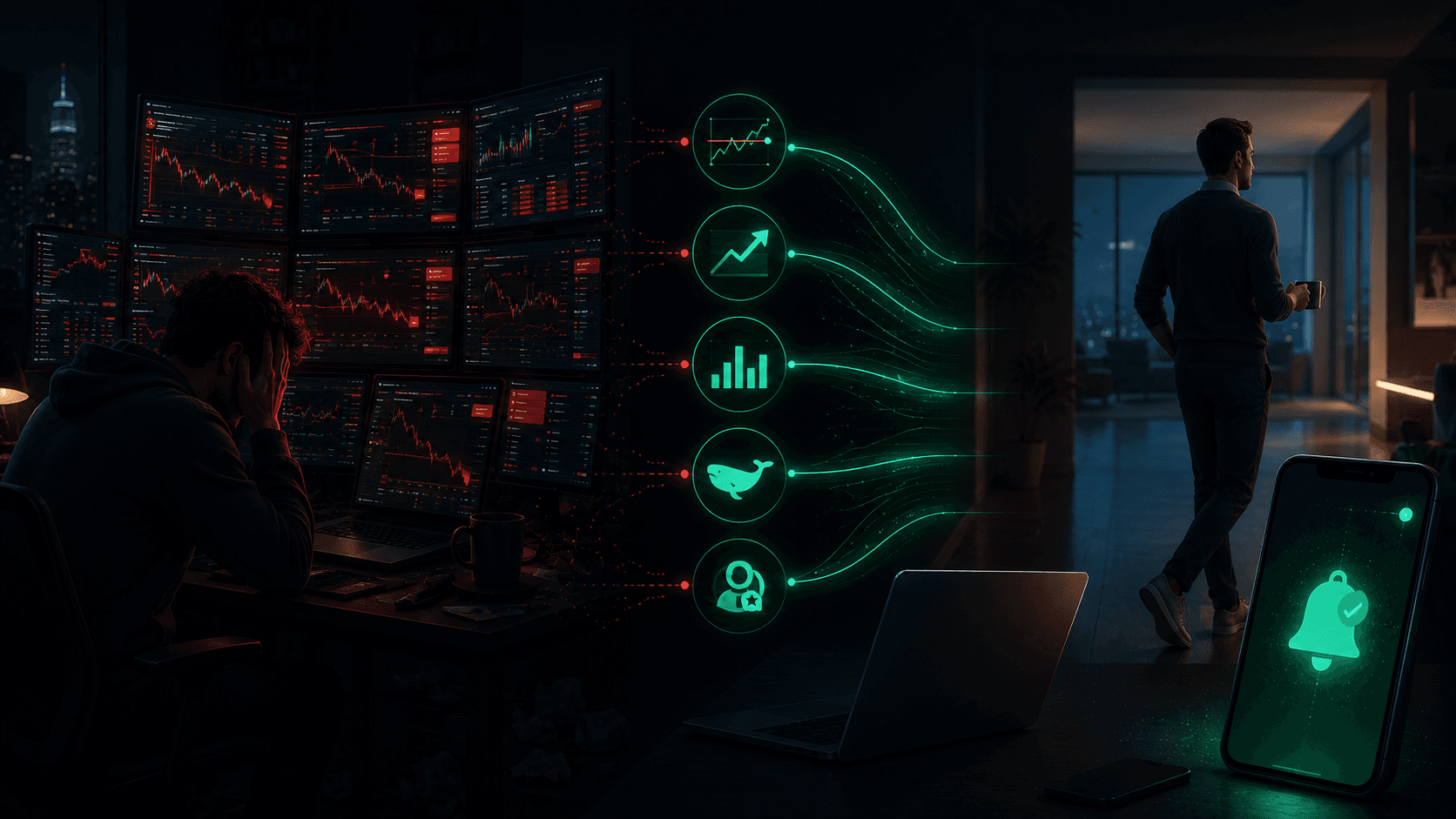
There is a picture of a trader that everyone carries in their head: multiple monitors, charts glowing red and green, someone stress-eating at 2 a.m. refreshing a screen. It is a compelling image. It is also, for the traders who actually make money on Polymarket, completely wrong.
The professionals do not sit and watch. They get notified.
This is not laziness. It is the deliberate design of a system that protects the one resource a trader cannot buy more of: attention. Every minute you spend staring at a market that is doing nothing is a minute of attention you cannot spend on a market that is doing something. Alerts solve this. They turn "monitoring" from an activity into an infrastructure.
This guide explains why professional traders structure their entire workflow around alerts, the different types of alerts they actually use, and how to build the same system for yourself on Polymarket.
What You Will Learn
- Why watching markets actively makes you a worse trader, not a better one
- The five types of alerts professional Polymarket traders rely on
- How price alerts, price movement alerts, and volume change alerts differ
- Why whale alerts and trader alerts are the real edge, not price alone
- How to build an alert stack that lets you cover hundreds of markets with zero screen time
The Attention Tax: Why Watching Markets Backfires
Active monitoring has a hidden cost that almost no retail trader accounts for: it manufactures trades.
When you watch a market tick up and down for two hours, your brain starts inventing reasons to act. A 3¢ dip feels like a buying opportunity. A 5¢ spike feels like the move is happening without you. None of these are based on your original thesis. They are based on the fact that you are looking, and looking demands a response.
Professional traders know this. The data is unambiguous: the more decisions a trader makes under passive observation, the worse those decisions are. Attention does not produce edge. It produces activity, and activity is the enemy of edge.
Alerts invert the relationship. Instead of asking "what is happening right now that I should react to?", an alert system asks "what would have to happen for my thesis to be relevant?" You define the conditions in advance, when you are calm and thinking clearly. Then you walk away. The system only interrupts you when one of those conditions is actually met.
The result is fewer trades, better-timed trades, and a mental state that is not fried by the time a real opportunity appears.
The Five Alerts Professional Traders Actually Use
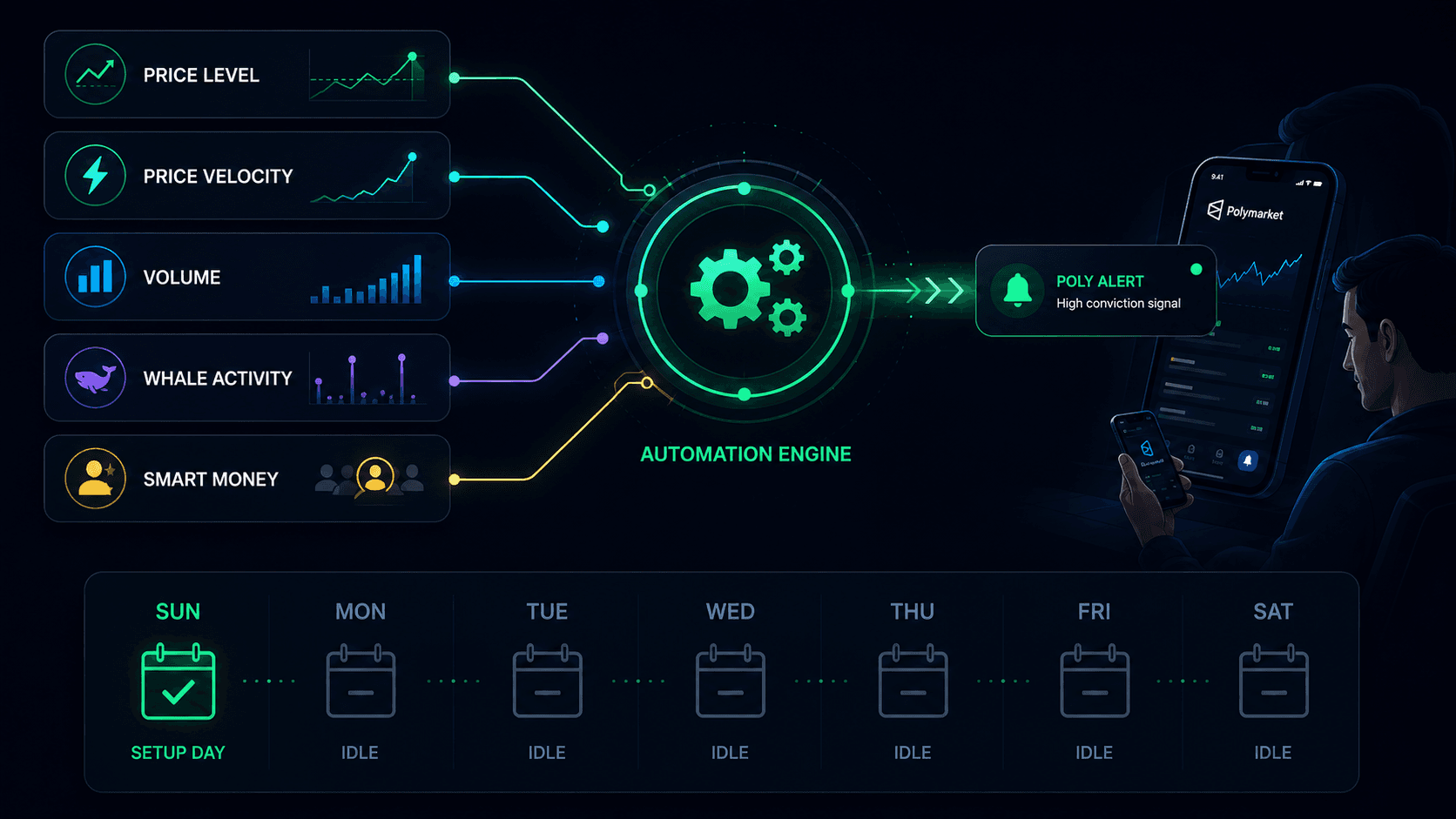
Polymarket is not a single market. It is thousands of markets, each with its own dynamics. No human can watch them all. Professionals cover that surface area by stacking different types of alerts, each of which answers a different question.
1. Price Alerts — "The market hit my level"
The foundational alert. You decide a target price in advance, and the system notifies you the moment the market crosses it.
This is the alert that lets you set a plan and then disappear. You decide you would buy "Yes" at 38¢ if it ever got there. You set an alert. The market might wander between 42¢ and 48¢ for three weeks doing nothing. You do not care, because you were not watching. The day it dips to 38¢, your phone buzzes.
Price alerts answer: is the market at a price I would act on?
Read the full setup guide: How to Use Polymarket Price Alerts.
2. Price Movement Alerts — "Something just moved fast"
A price alert fires when a market reaches a level. A price movement alert fires when a market moves fast. These are velocity alerts: a 5¢ swing in 15 minutes, a 10¢ move in an hour, a 3¢ surge in 5 minutes.
This matters because sudden movement is usually information entering the market. A market that drifts from 50¢ to 55¢ over two days is just a slow repricing. A market that jumps from 50¢ to 58¢ in twelve minutes had something happen. A news story broke. A whale entered. An outcome became suddenly more or less likely.
Professional traders do not want to know about every price change. They want to know about velocity, because velocity is where the edge lives. By the time a slow drift is obvious, the opportunity is gone. A rapid move is either an opportunity to join early or a warning that the thesis has changed.
Price movement alerts answer: did something just happen that I need to look at?
3. Volume Change Alerts — "Money is suddenly flowing in"
Volume is the leading indicator that most retail traders ignore. Price tells you where the market is. Volume tells you where the market is going, because volume means capital is being deployed by people who decided to act.
A volume change alert fires when trading activity surges: a 50% volume spike in an hour, a 100% increase in six hours, a 200% swing in a day. When volume explodes on a market that was previously quiet, someone with conviction just showed up. That someone might be a whale. It might be a coordinated group. It might be the crowd reacting to news you have not seen yet. In every case, it is a signal that this market is now worth your attention.
The professionals combine this with price movement: volume spiking without much price movement often means accumulation is happening quietly before a larger repricing. Volume spiking with price movement means the repricing is already underway.
Volume change alerts answer: is capital suddenly flowing into this market?
4. Whale Alerts — "A large trader just took a position"
Price and volume tell you what the market is doing. Whale alerts tell you what specific large traders are doing. When a wallet takes a meaningfully large position in a market, the alert fires.
This is the alert that turns anonymous market activity into named, attributable intelligence. Instead of "volume is up on this market," you learn "a wallet with a six-figure position just bought heavily into this market." That is a categorically different piece of information.
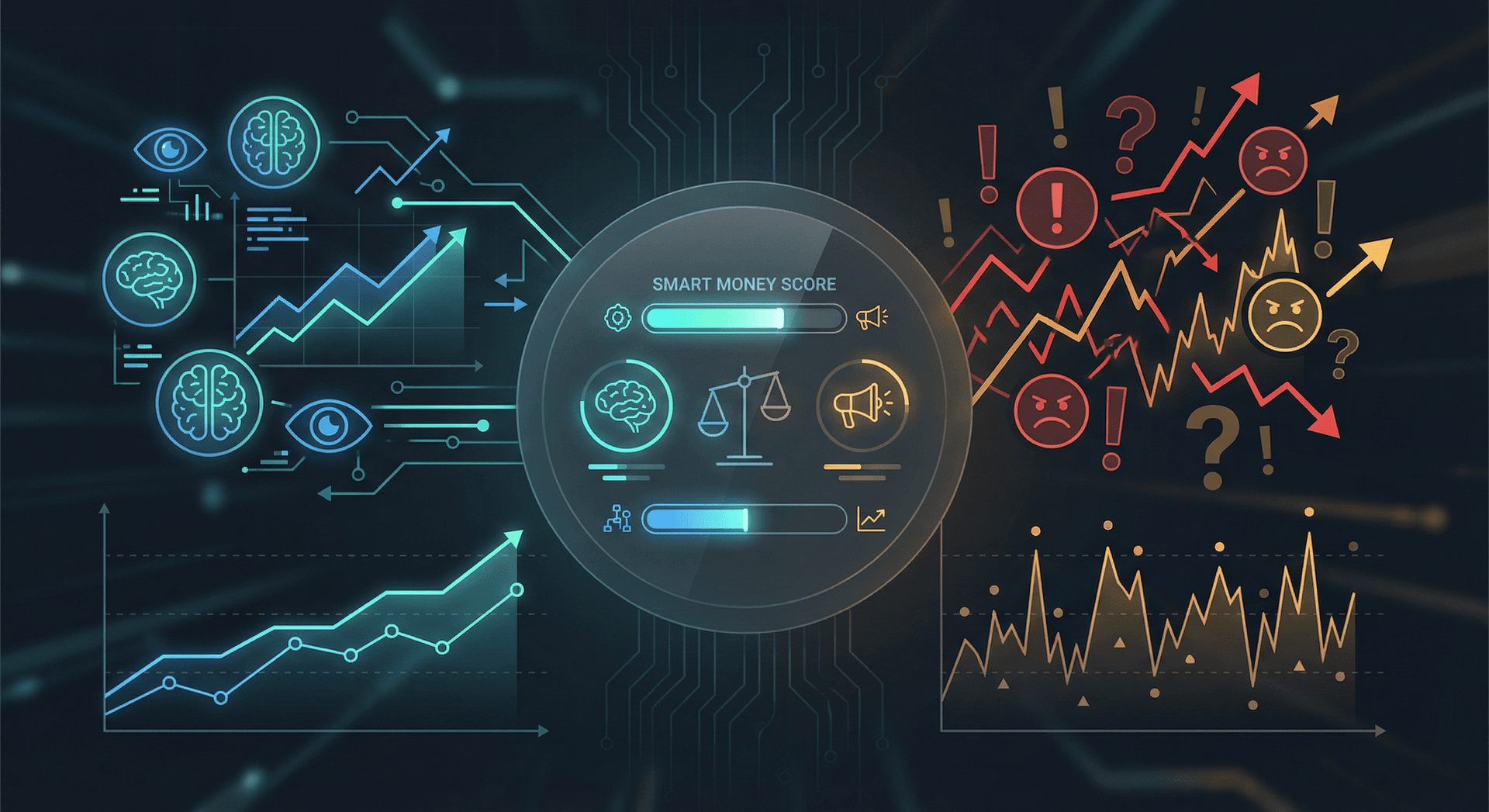
The real power comes from combining whale alerts with performance data. A large position from a wallet with a proven track record is a signal. A large position from a wallet with a terrible track record is a contrarian signal. Tools like the Smart Money Tracker and Whale Alerts let you see both the position and the track record.
Whale alerts answer: who just committed capital, and should I care who they are?
5. Trader Alerts — "A trader I follow just acted"
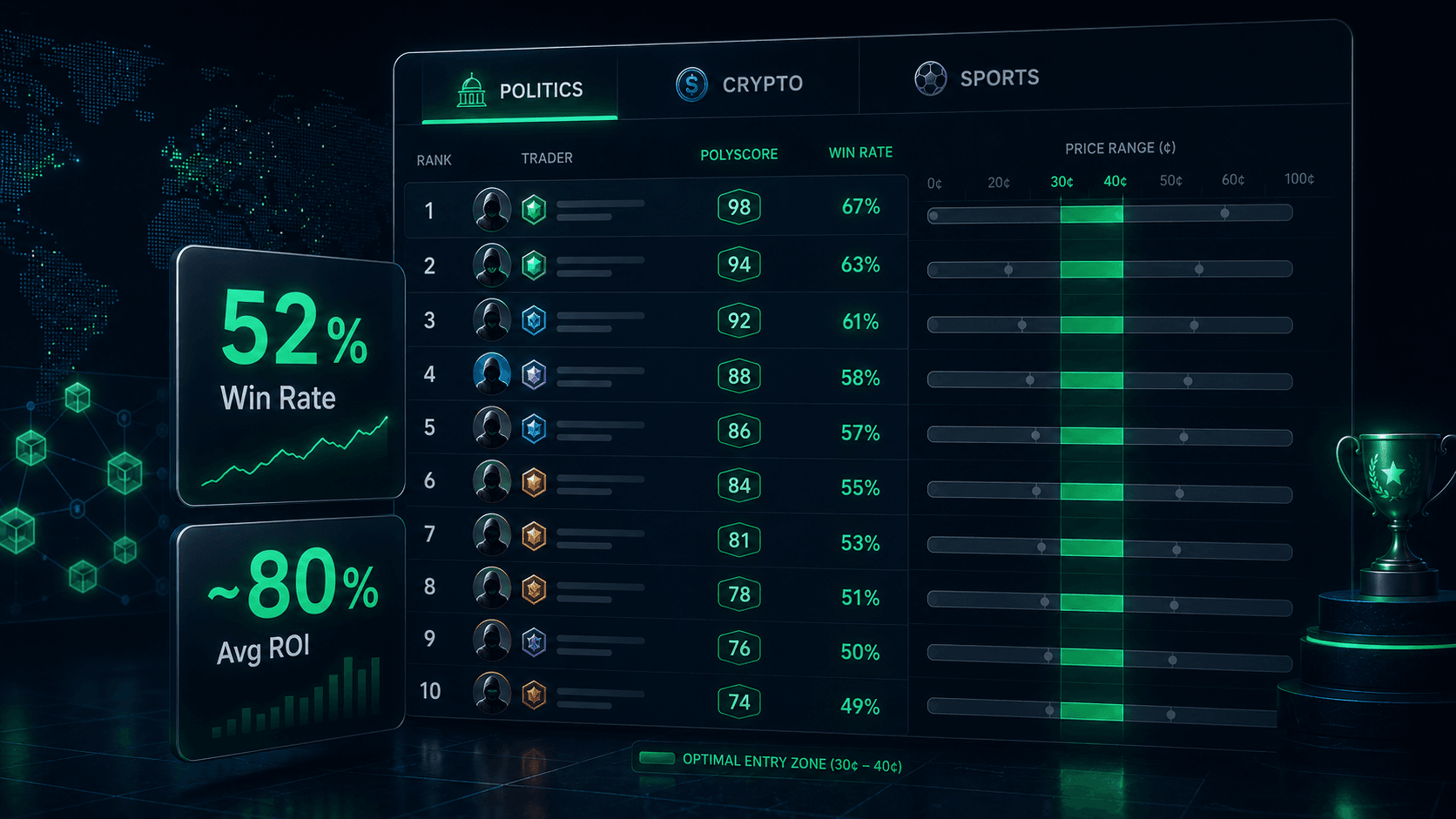
The most refined alert in the stack. Instead of alerting on any large trader, you alert on specific traders you have vetted. These are the 5 to 10 wallets you identified through the Trader Leaderboards as having real, repeatable skill in your categories.
When one of them enters or exits a position, you are notified. This is the closest thing to having a profitable trader tap you on the shoulder and say "look at this."
Trader alerts are the end of a research pipeline: leaderboard → profile review → watchlist → alert. They are not where you start. They are where you arrive after you have done the work of finding who is actually worth following.
Trader alerts answer: is a trader I trust doing something right now?
How the Alert Stack Fits Together
No single alert type is enough. The professional edge comes from layering them so that each one answers a different question, and the answers reinforce each other.
Here is what a mature alert stack looks like on a single market you care about:
| Alert Type | Question It Answers | Example Trigger |
|---|
| Price Alert | Is the market at my level? | "Yes" crosses below 40¢ |
| Price Movement Alert | Did something move fast? | 8¢ drop in 15 minutes |
| Volume Change Alert | Is capital flowing in? | 60% volume spike in 1 hour |
| Whale Alert | Did a large wallet act? | $50k+ position opened |
| Trader Alert | Did a trader I trust act? | A top-tier wallet entered |
Now consider what happens when multiple alerts fire on the same market within a short window. A volume spike, followed by a whale alert, followed by a price movement alert, is a high-conviction cluster. Any one of those alone might be noise. All three together is almost certainly something. This is why professionals do not act on single alerts. They act on clusters.
Conversely, a price alert that fires with no volume and no whale activity is often a fakeout. The market touched your level on thin liquidity and drifted back. The other alerts would have told you there was no real conviction behind the move.
This is the real reason to run the full stack. Each alert type is a partial signal. Together, they form a complete picture of what is happening and how much conviction is behind it.
The Professional Workflow: Alerts as Infrastructure
Here is what a professional's actual week looks like, and why it produces better results than the monitor-and-react approach.
Sunday (20 minutes): Research and planning
- Review the week's calendar. Identify markets with upcoming catalysts in categories they specialize in.
- For each market, write down the probability they believe is true, the entry price they would act on, and the exit price.
- Set price alerts at both the entry and exit levels. Two per market.
Sunday night (10 minutes): Stack configuration
- Enable volume change alerts on the markets with upcoming catalysts, where a sudden flow would be meaningful.
- Enable price movement alerts for volatility, tuned to the market's normal behavior.
- Confirm trader alerts are active on their vetted watchlist of 5 to 10 wallets.
Monday to Saturday (near zero minutes):
- Do not open the platform.
- When an alert fires, take 60 seconds to check whether the thesis still holds and whether other alerts are corroborating.
- If yes, act. If no, dismiss and move on.
Next Sunday (15 minutes): Review
- Which alerts fired? Which resulted in trades? Which were noise?
- Tune thresholds. Loosen alerts that fired too often. Tighten ones that missed real moves.
- Update the watchlist if any tracked wallets have gone cold.
That is the entire system. The total active time is under an hour per week. The coverage is wider than any human could achieve by watching. And the decisions are made when the trader is calm and thinking clearly, not in the heat of a moving market.
This is the same workflow we detail in The Lazy Trader's Guide to Polymarket. The "lazy" framing is a joke. It is actually the most professional approach there is.
Why Most Retail Traders Refuse to Do This
If alerts are so obviously better, why do most traders still sit and watch? A few reasons, none of them good.
It feels productive. Staring at a chart feels like work. Setting an alert and closing the tab feels like doing nothing. The activity bias is powerful, even when the activity is destroying value.
They do not trust their own plans. Many traders set alerts, then override them the moment they see the market moving. The alert was a plan; the watching was an excuse to abandon the plan. If you cannot trust a plan you made when you were calm, you cannot trade profitably.
They have not done the research to know what to alert on. Setting a useful alert requires knowing your probability estimate, your entry level, and your exit level. If you have not done that work, you cannot set a meaningful alert, so you default to watching instead.
They want the thrill. For some people, trading is entertainment. That is fine, but it is a hobby, not an edge. Professionals are not entertained by markets. They are paid by them.
Getting Started: Build Your First Alert Stack
You do not need to set up all five alert types at once. Start simple and add layers as you get comfortable.
Step 1: Set two price alerts on a market you understand.
One at your entry level, one at your exit level. This alone puts you ahead of most retail traders. Use the Price Alerts page.
Step 2: Add a price movement alert on the same market.
Configure it for a move large enough to be meaningful, not noise. A 5¢ move in 15 minutes is a reasonable starting point for most markets.
Step 3: Add a volume change alert.
A 50% volume spike in an hour catches sudden interest without firing on every minor fluctuation.
Step 4: Build a trader watchlist.
Use the Trader Leaderboards to find 5 to 10 wallets with real track records in your categories. Set trader alerts on them. See How to Find Winning Wallets on Polymarket for the filtering framework.
Step 5: Layer in whale alerts for general flow.
The Whale Alerts feed catches large positions across the platform, including from wallets you have not specifically watchlisted.
Within a month, you will have a system that covers more markets than you could ever watch manually, with better timing and a fraction of the screen time.
Conclusion
The difference between a professional trader and an obsessed retail trader is not intelligence, capital, or information. It is infrastructure. Professionals build a system that tells them when to pay attention. Everyone else pays attention all the time and wonders why their decisions are worse.
Alerts are not a convenience feature. They are the core of a serious trading process. Price alerts define your plan. Price movement alerts catch the moments that matter. Volume change alerts detect where capital is flowing. Whale alerts attribute that flow to real wallets. Trader alerts narrow it to the wallets you actually trust. Layered together, they turn Polymarket from a screen you have to babysit into a system that works for you.
Stop watching. Start alerting. Trade better.
Resources:
Frequently Asked Questions
What types of alerts do professional Polymarket traders use?
Professionals use a stack of five alert types: price alerts (a market hit my level), price movement alerts (a market moved fast), volume change alerts (capital is flowing in), whale alerts (a large wallet acted), and trader alerts (a specific vetted trader acted). Each answers a different question, and together they form a complete picture. See the Polymarket Alerts hub for the full set.
What is the difference between a price alert and a price movement alert?
A price alert fires when a market crosses a specific level you set, like "Yes" dropping below 40¢. A price movement alert fires when a market moves by a certain amount within a time window, like a 5¢ swing in 15 minutes. Price alerts are about levels. Price movement alerts are about velocity.
Why use volume change alerts instead of just watching volume?
Because you cannot watch volume on hundreds of markets simultaneously. A volume change alert notifies you only when activity surges meaningfully, like a 50% spike in an hour. This surfaces the markets where capital is suddenly being deployed, which is often the leading indicator of a real repricing, without forcing you to stare at volume bars all day.
Are alerts enough, or do I still need to do research?
Alerts are infrastructure, not a replacement for thinking. You still need to form a view on each market, decide your entry and exit levels, and vet the traders you follow. Alerts simply ensure you are notified when the conditions you defined are met, so you act on your plan instead of reacting to noise. Start your research process with How to Find Winning Wallets on Polymarket.
How many alerts should I set?
Start with two price alerts per market (entry and exit), plus one price movement and one volume change alert on markets with upcoming catalysts. As you build a vetted trader watchlist, add trader alerts for 5 to 10 wallets. The goal is coverage without noise. If your alerts are firing so often that you ignore them, your thresholds are too sensitive.
Do alerts work 24/7?
Yes. PolyAlertHub monitors markets continuously, so alerts fire whenever your conditions are met, regardless of time of day. This is one of the core advantages over manual monitoring, you are notified of meaningful moves even while you sleep. See the Polymarket Alerts feature for details.
Disclaimer: The content provided in this article and via the PolyAlertHub tools is for informational purposes only. It does not constitute financial, investment, or trading advice. Prediction markets carry high risk, and you should never wager more than you can afford to lose. Past performance does not guarantee future results.