How to Use a Polymarket Whale Tracker to Follow Smart Money
There is a small group of Polymarket accounts that consistently move size. Five-figure trades, sometimes six-figure trades, often in the same direction, often before the market price reflects what they apparently already know.
The rest of the market notices them after the move. That is the gap.
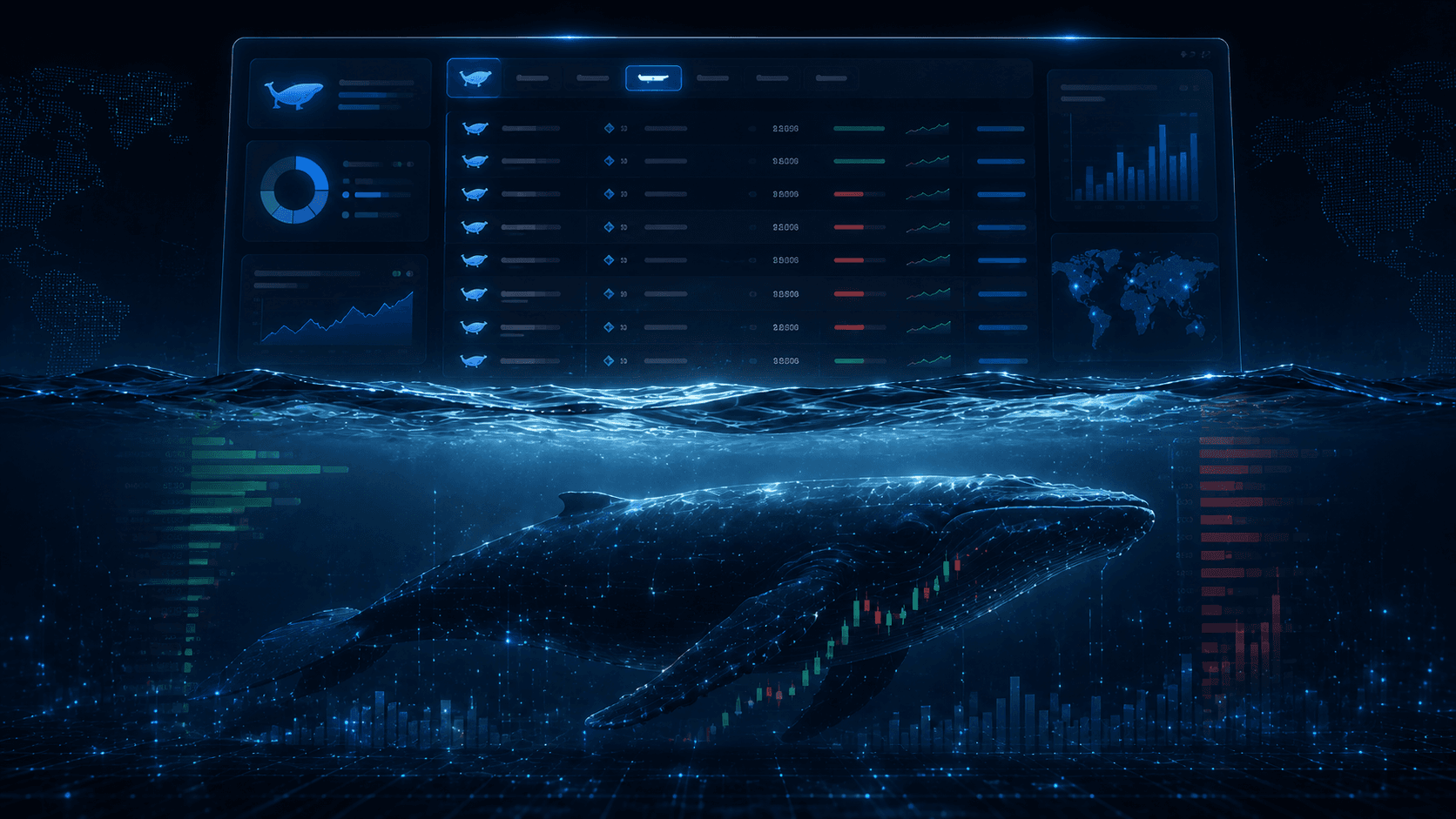
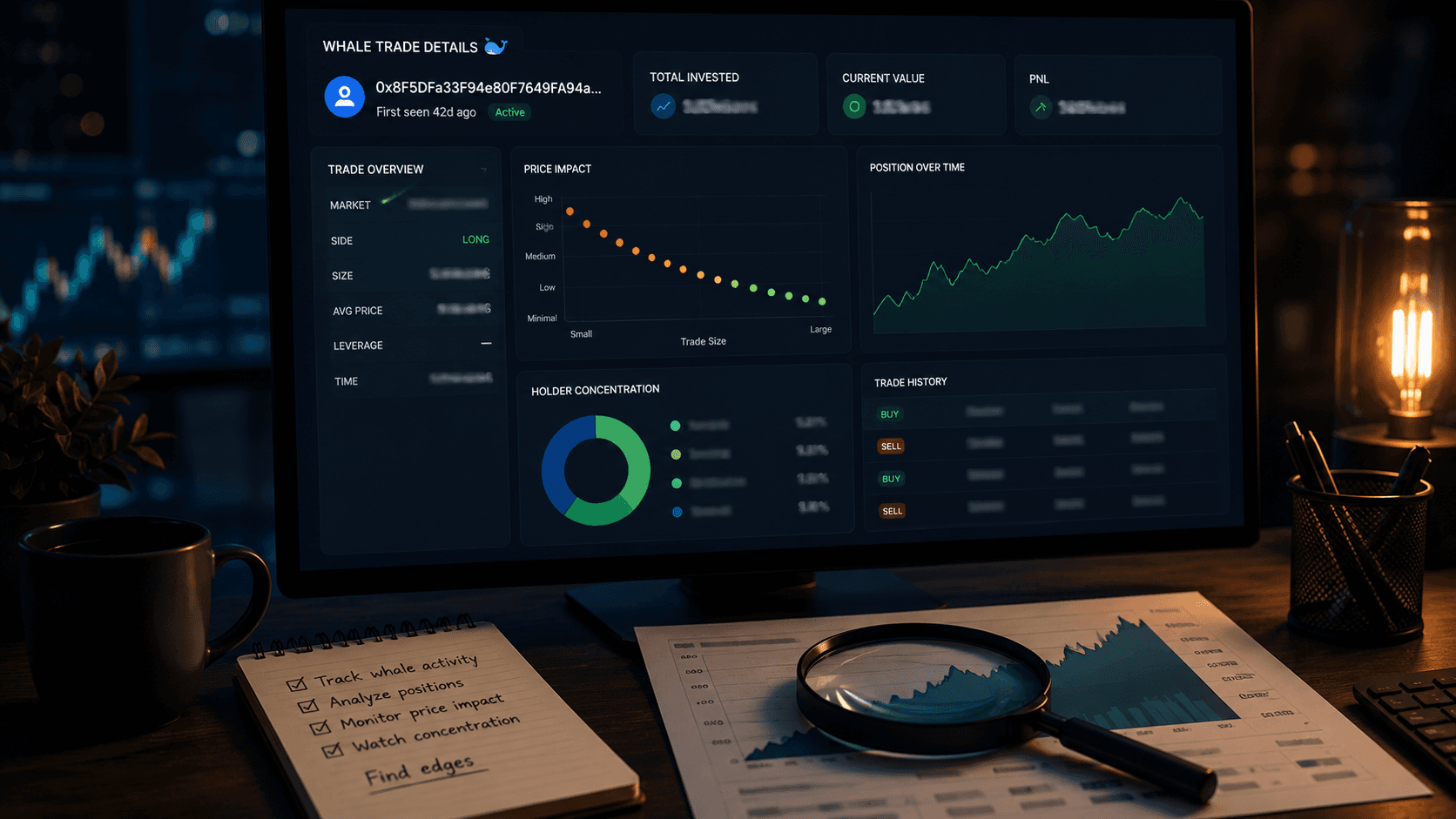
A whale tracker is the simplest tool to close that gap. It watches every trade on Polymarket, flags the big ones, and pushes them to you the moment they happen. You do not have to write code, run a node, or sit in front of three monitors. You just have to be set up.
This is a complete beginner's walkthrough of what a whale tracker actually does, how to read the feed without getting overwhelmed, and how to wire it up so the alerts come to your phone instead of you chasing the dashboard.
What You Will Learn
- What "whale" means on Polymarket and why it matters
- How to read a live whale feed without getting overwhelmed
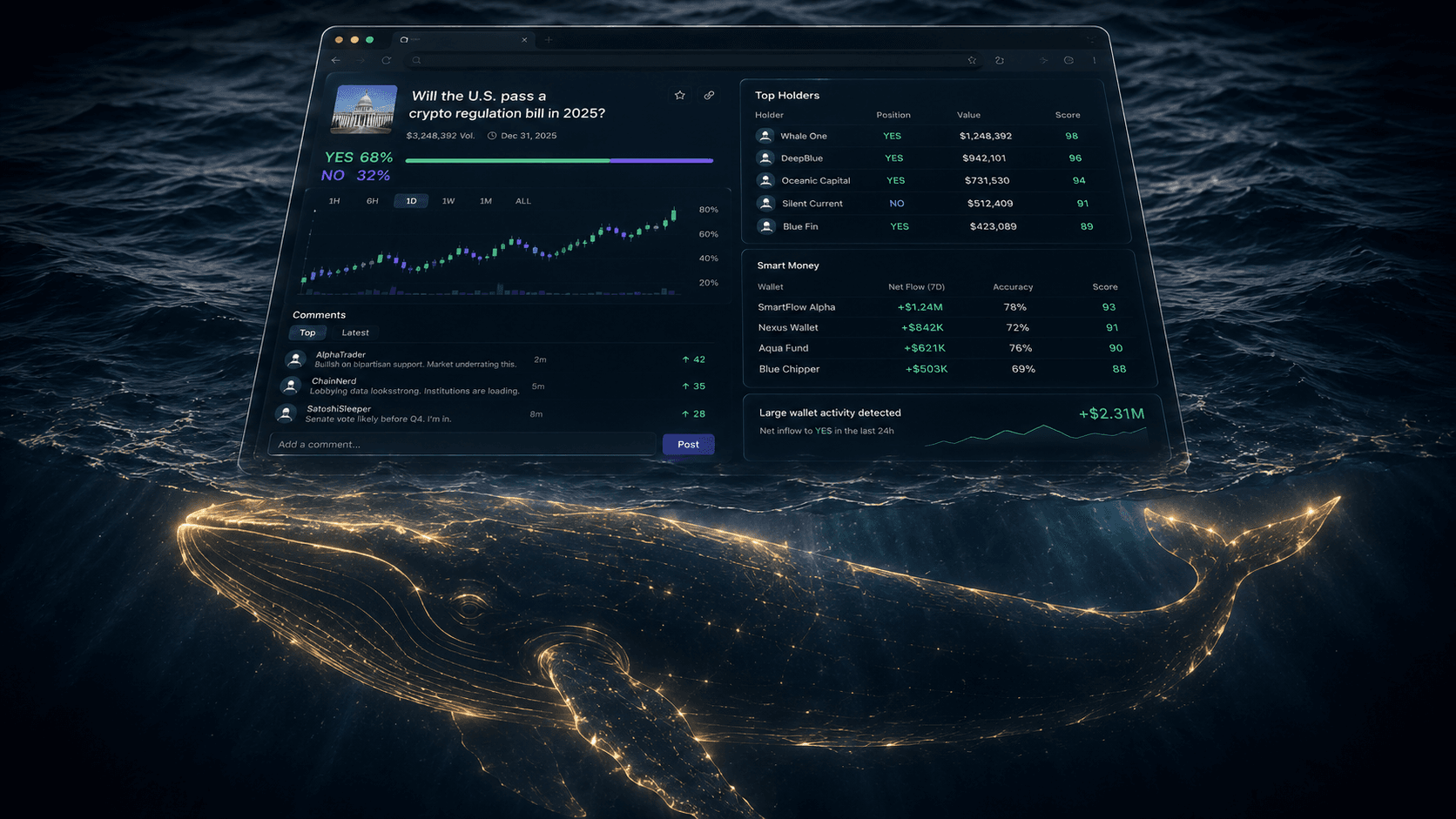
- The difference between Whale Trades and Whale Positions
- How to set Whale Alerts to Telegram or email
- How to turn whale flow into actual trading decisions
What Counts as a Whale on Polymarket?
There is no official definition, but the working one most traders use is:
A whale is a wallet that consistently trades positions large enough to move or signal a market. In practice, that usually means single trades of $10,000+ or aggregate positions in the $25,000 to $1,000,000+ range.
A few important nuances:
- Size is relative to the market. A $10k trade is whale-sized in a small political market and a rounding error in a top-five election market. Good trackers let you set thresholds per context.
- One big trade does not make a whale. A whale is a pattern of behavior. A wallet that drops $200k once and disappears is not the same as a wallet that consistently sizes up in liquid markets.
- Whales are not always right. They have better information and bigger bankrolls, not crystal balls. Treat their flow as a strong input, not a verdict.
The reason traders track them is simple: big money on Polymarket is public. If you know which wallets matter and you see them all hit the same side of a market within an hour, you have information that most participants in that market do not.
The Two Things a Whale Tracker Shows You
A good whale tracker surfaces two distinct kinds of information, and confusing them is the most common rookie mistake.
1. Whale Trades: the flow.
This is the live tape: which big wallets are trading what, at what price, at what size, right now. It answers "what is happening?"
2. Whale Positions: the state.
This is the snapshot: which markets do whales currently hold positions in, on which side, in what size. It answers "where is the money currently parked?"
You need both. Trades without positions are just noise (a big sell could be exit, hedge, or a new short). Positions without trades are stale (you do not know if the whale is still adding or quietly walking away).
A useful mental model: trades are the news ticker, positions are the balance sheet. You read both to understand a story.
How to Read a Whale Feed Without Getting Overwhelmed
The first time you open a live whale feed it looks like Times Square. Tens of trades a minute on busy days. Most of it is not actionable.
Three filters to apply mentally (and literally, where the tool lets you):
1. Size threshold.
Set a floor that filters out trades you do not care about. For most retail traders, $10k is a sensible starting point. Smaller and you drown. Larger and you miss the early entries.
2. Category or market focus.
You probably only have an edge in 2 or 3 categories. Filter for those. A whale piling into a market you do not understand is information for someone else, not you.
3. Wallet relevance.
Trades from wallets that have a track record of being right matter more than trades from random whales. Maintain a watchlist of wallets you have already vetted (see Polymarket Analytics: How to Use Free Tools to Track Winning Traders).
The goal is to go from "100 trades an hour" to "the 5 trades that should change my mind today." Everything else is just background.
When a Whale Trade Actually Matters
Not every whale trade is a signal. Some are exits, some are hedges, some are wallets rebalancing for reasons that have nothing to do with conviction.
The patterns worth paying attention to:
1. Clustering.
Multiple distinct whale wallets hitting the same side of the same market within a short window. One whale could be wrong. Three of them within an hour is usually not random.
2. New entries in cold markets.
A whale opening a meaningful position in a market that has been quiet is a much bigger tell than the same whale adding to a position they have been trading in for weeks.
3. Direction change.
A wallet that has been on the "Yes" side for a month flipping to "No" with size is a much louder signal than a fresh whale taking a fresh side.
4. Whales fading the consensus.
A market drifting one direction on retail buying, with a known whale quietly building the other side, is the kind of setup that pays attention well.
Conversely, the patterns that look exciting but usually are not:
- A single huge trade with no follow-through.
- Big trades immediately after a major news headline (often just reflex, not edge).
- Trades in markets with extremely thin liquidity (size looks impressive but does not mean much).
This kind of filtering is what separates "I follow whales on Polymarket" from "I actually use whale data to trade." For more on the trap of reflexive copying, How to Copy Trade Polymarket Whales and How to Spot Smart Money on Polymarket both go deeper.
Setting Up Alerts So You Stop Babysitting the Dashboard
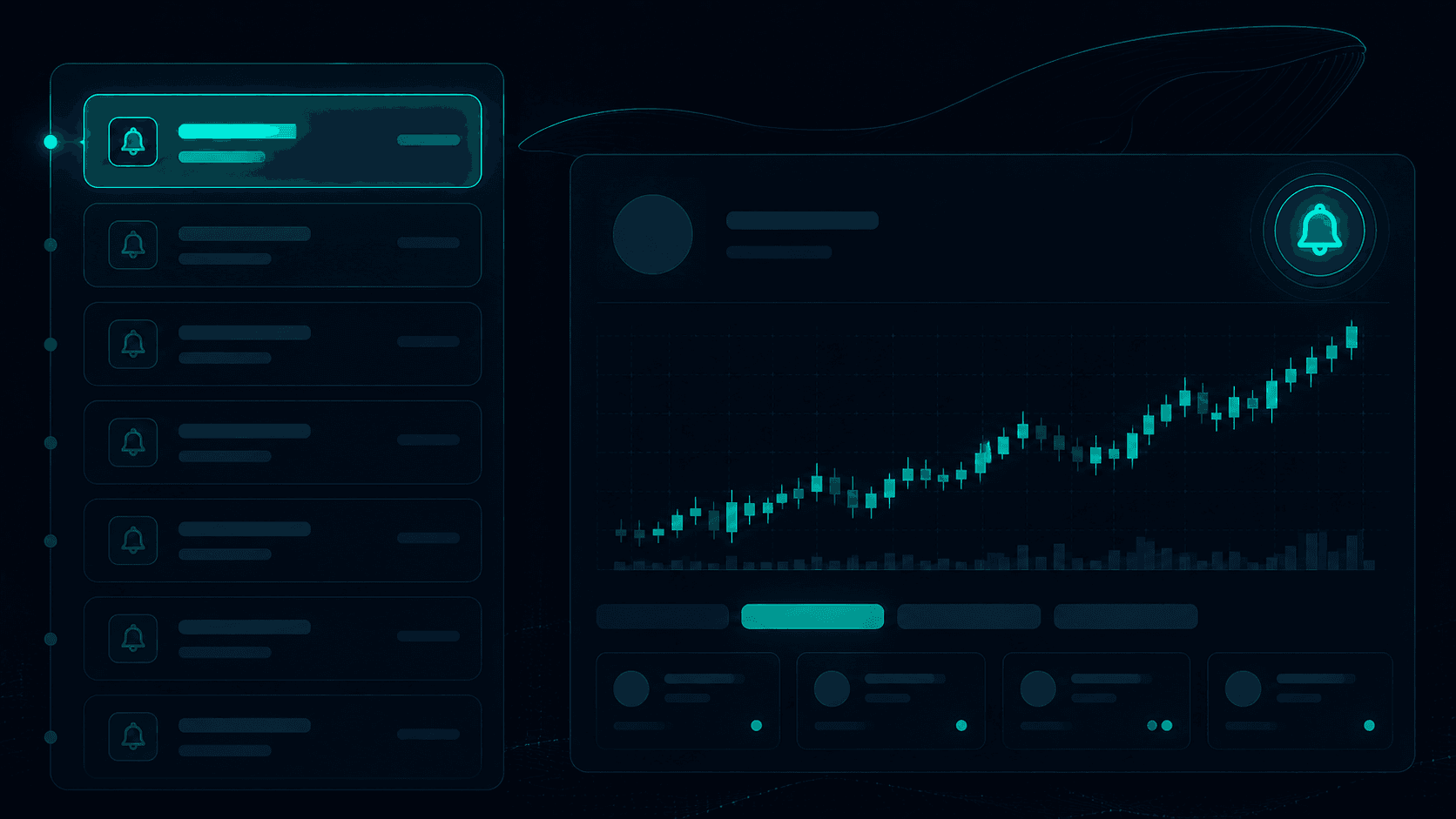
The whole point of a whale tracker is that the alerts come to you, not the other way around.
A clean setup, end to end:
Step 1: Pick your delivery channel.
Whale Alerts push to Telegram and email. Pick whichever you actually check. For most active traders, Telegram is faster.
Step 2: Set a global size threshold.
Start with something like $10,000 per trade. You can tune later. Too low and you will mute the channel within a week.
Step 3: Add specific wallets to watch.
Take the 5 to 10 vetted wallets from your analytics workflow and put them on a separate, lower-threshold alert (say $5,000). You care about their moves more than the general feed.
Step 4: Add category filters if needed.
If you only trade politics and sports, do not get woken up by crypto market trades at 3 a.m. Filter.
Step 5: Decide your response rules in advance.
"If two watchlist wallets buy the same side within an hour, I open the market and decide." "If a single large trade fires, I note it but do not act." Writing the rule before the alert keeps you from reacting emotionally.
This setup takes one afternoon to configure and pays off forever.
Whale Tracking Without Becoming a Slave to Your Phone
There is a real failure mode here, and it is worth flagging.
If you set your alerts too loose, you will get pinged constantly, you will start treating every notification as urgent, and you will trade more and worse than you would have without any of this.
A healthy whale-tracking practice looks like:
- A small number of carefully chosen wallets.
- Reasonable size thresholds.
- A scheduled time of day to scan the broader feed (e.g., 8 a.m. and 5 p.m.).
- A clear rule for when an alert turns into action and when it just turns into a note.
The tool is supposed to reduce your screen time, not multiply it. If you find yourself checking the feed every ten minutes, your filters are too loose.
A Sample Whale Workflow
Here is what a sustainable workflow looks like for an active retail trader.
Sunday:
- Review the Traders Leaderboard and refresh your watchlist of whales.
- Confirm each watchlist wallet still has a Whale Alert configured at the right threshold.
- Glance at Whale Positions to see where the cohort is currently parked.
Weekdays:
- React to Telegram or email alerts as they fire. Each one: open the market, form a view, act only if you agree, use a limit order.
- Once a day, skim Whale Trades for clustering you might have missed.
Friday:
- Review which alerts you acted on. Which ones were signal? Which ones were noise? Adjust filters accordingly.
A trader running this for 90 days will have a much more refined sense of which whales actually matter to their style. That kind of personal intuition is what alert tools are really for, they accelerate the learning curve.
Conclusion
A whale tracker is the simplest possible upgrade from "I trade Polymarket based on vibes" to "I trade Polymarket based on what the largest, most informed accounts are doing." It does not give you a crystal ball, but it removes the worst handicap most retail traders carry: arriving after the move.
To recap:
- Understand what a whale is: a wallet with a pattern of large, consistent trading, not a one-time big bet.
- Use both Whale Trades and Whale Positions: flow and state, together.
- Filter aggressively by size, category, and wallet relevance so you actually see the signal.
- Set up Whale Alerts to Telegram or email so you do not have to babysit the feed.
- Treat whale flow as research, not as a copy button.
Get this loop running and you will spend less time staring at dashboards and more time making decisions that other people are making hours too late.
Resources:
Frequently Asked Questions
What is a Polymarket whale?
A Polymarket whale is a wallet that consistently trades large positions, typically single trades of $10,000+ or aggregate positions in the tens or hundreds of thousands of dollars. Whales matter because they often have better information, more capital, and longer time horizons than the average retail trader.
How does a Polymarket whale tracker work?
A whale tracker watches every trade on Polymarket in real time, filters for trades above a size threshold or from specific wallets, and surfaces them on a live feed (and optionally pushes them to Telegram or email). It turns public on-chain activity into a usable signal.
Can I get Telegram or email alerts for Polymarket whale trades?
Yes. PolyAlertHub Whale Alerts can be delivered via Telegram or email, with configurable size thresholds and per-wallet watchlists, so you only get notified about the moves you actually care about.
Should I copy trades from Polymarket whales?
Not blindly. Whales have different time horizons, different sizes, and often hedges you cannot see. Use their trades as a research signal: open the market, form your own view, then act with a limit order if you agree.
What is the difference between whale trades and whale positions?
Whale Trades shows the live flow of large transactions as they happen. Whale Positions shows the current state of whale holdings across markets. Trades are the news ticker, positions are the balance sheet, and you want both to understand what is going on.
Disclaimer: The content provided in this article and via the PolyAlertHub tools is for informational purposes only. It does not constitute financial, investment, or trading advice. Past performance of any wallet or strategy does not guarantee future results. Prediction markets carry real risk, and you should never wager more than you can afford to lose. Always do your own research before acting on whale flow.