Polymarket Whale Tracker: Complete Guide
If you have spent any time on Polymarket, you have felt it. A market sits flat for hours, then in a thirty second window the price jumps four cents, the order book gets cleared three levels deep, and the chart never looks the same again.
That is a whale. Not always a famous one, not always a profitable one, but a single trader with enough size to bend the price by themselves.
Knowing when whales are active, what they are doing, and how their positions evolve is one of the highest leverage skills on Polymarket. The catch is that the raw data is overwhelming. Every block has dozens of trades. Every market has its own dynamics. Without a tool to filter, the firehose just becomes noise.
This guide is the complete walkthrough of how the Polymarket Whale Tracker actually works, end to end. By the time you finish, you will know what counts as a whale, how to read their flow without getting tricked, how to wire up alerts that do not spam you, and how to turn it all into trades.
What You Will Learn
- What actually counts as a "whale" on Polymarket (it is not just dollar size)
- The difference between the Live Feed, Positions, and Alerts views
- How to read whale flow without falling for hedges and wash trades
- How to set whale alerts that fire on real signal, not on every $200 trade
- A simple framework for turning whale data into actual trade decisions
What Counts as a Whale on Polymarket
The first thing to clear up: a Polymarket whale is not strictly a wallet with a giant balance. It is a wallet with enough size relative to the market they are trading in to move the price.
A trader with $50,000 is irrelevant in the U.S. Presidential winner market, where daily volume runs into the millions. The same trader is a whale in a niche regulatory market with $80,000 of total liquidity. The threshold scales with the market.
That changes how you should think about whale tracking. Instead of one universal "whale" filter, you want:
- Market-relative filters: a trade that is large compared to the order book, not just large in absolute dollars.
- Wallet history: is this size normal for this trader, or is it unusually large for them?
- Repeat patterns: is this one big trade, or part of a multi-day accumulation?
The Polymarket Wallet Tracker is built around this idea. It does not just stream every trade above a number. It contextualizes each trade against the market and the wallet behind it.
The Three Core Views
The whale tracker is organized around three views. They answer three different questions.
1. The Live Feed: What Is Happening Right Now
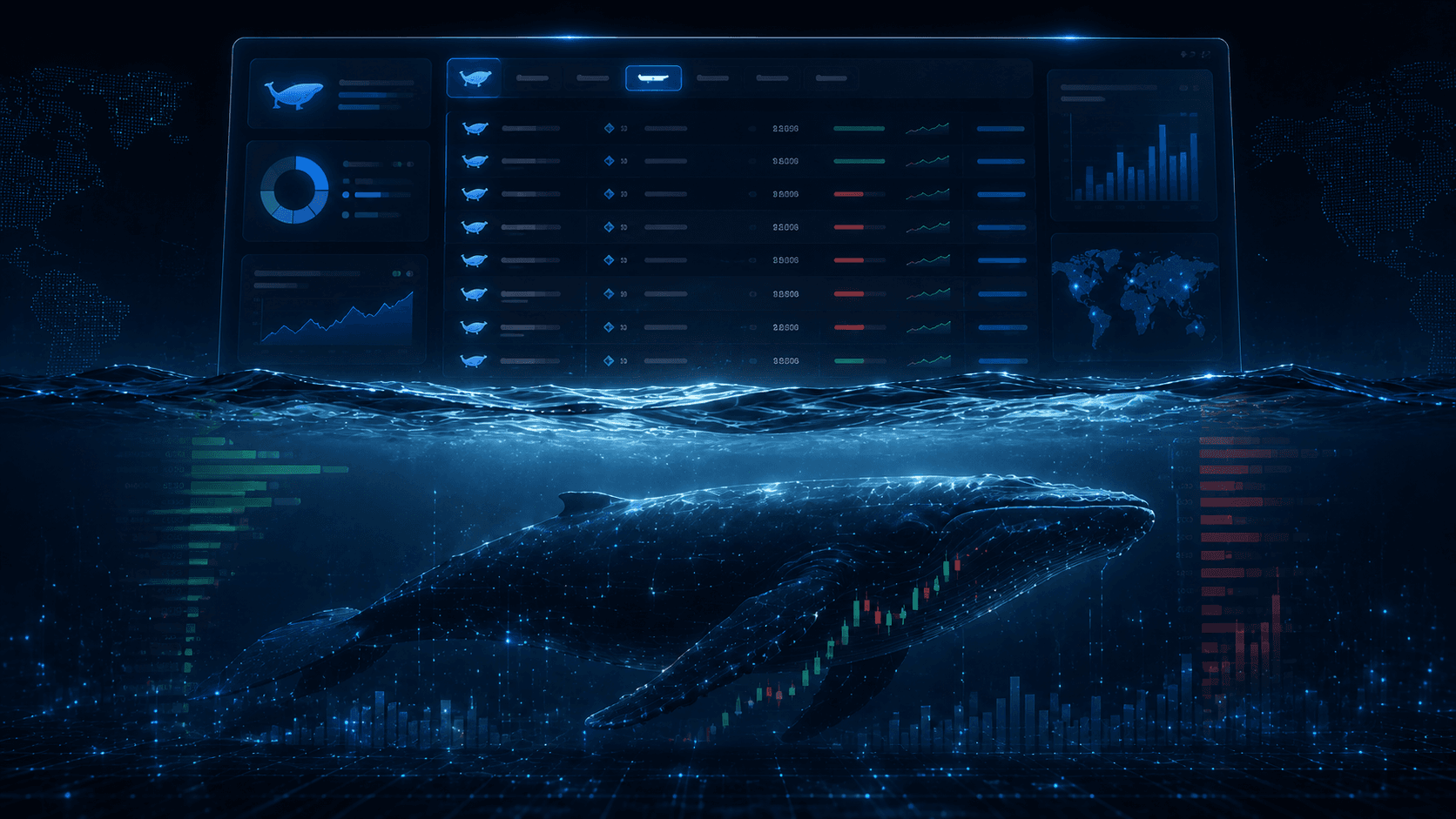
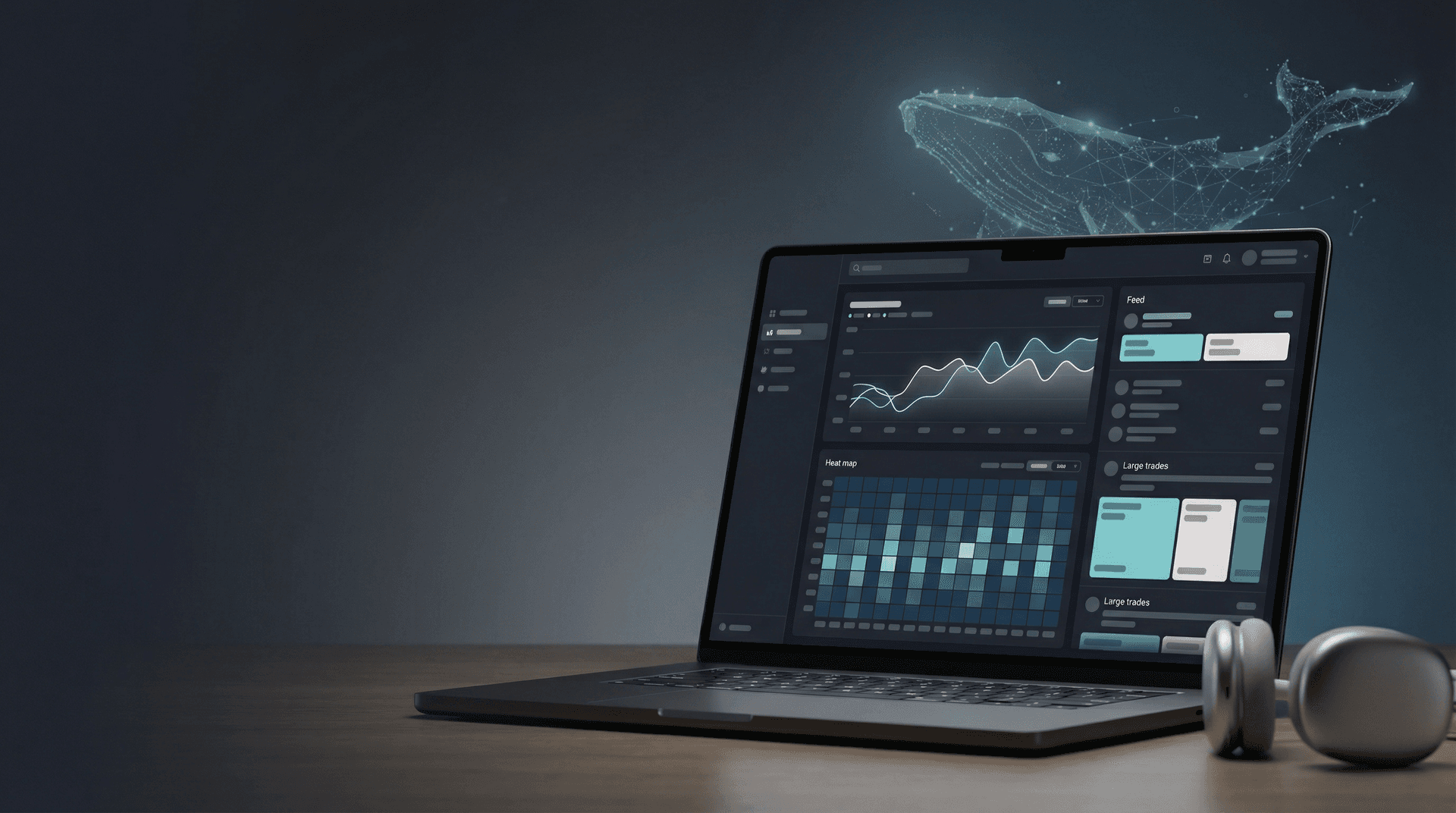
The Whales Live Feed is your real-time tape of large trades across all of Polymarket.
The trick is filtering. A raw stream of every $1,000 trade is useless: thousands of fills per day, almost all of them noise. The Live Feed lets you cut it down to the activity that matters:
- Minimum trade size scaled to the markets you care about.
- Specific markets if you only want to watch a few key events.
- Specific wallets if you have built a watchlist of traders to follow.
- Side filters to focus on Buy or Sell flow specifically.
Used correctly, the Live Feed becomes a high signal-to-noise tape. Used wrong, it becomes a Slack channel that nobody reads.
2. Positions: What Has Quietly Built Up
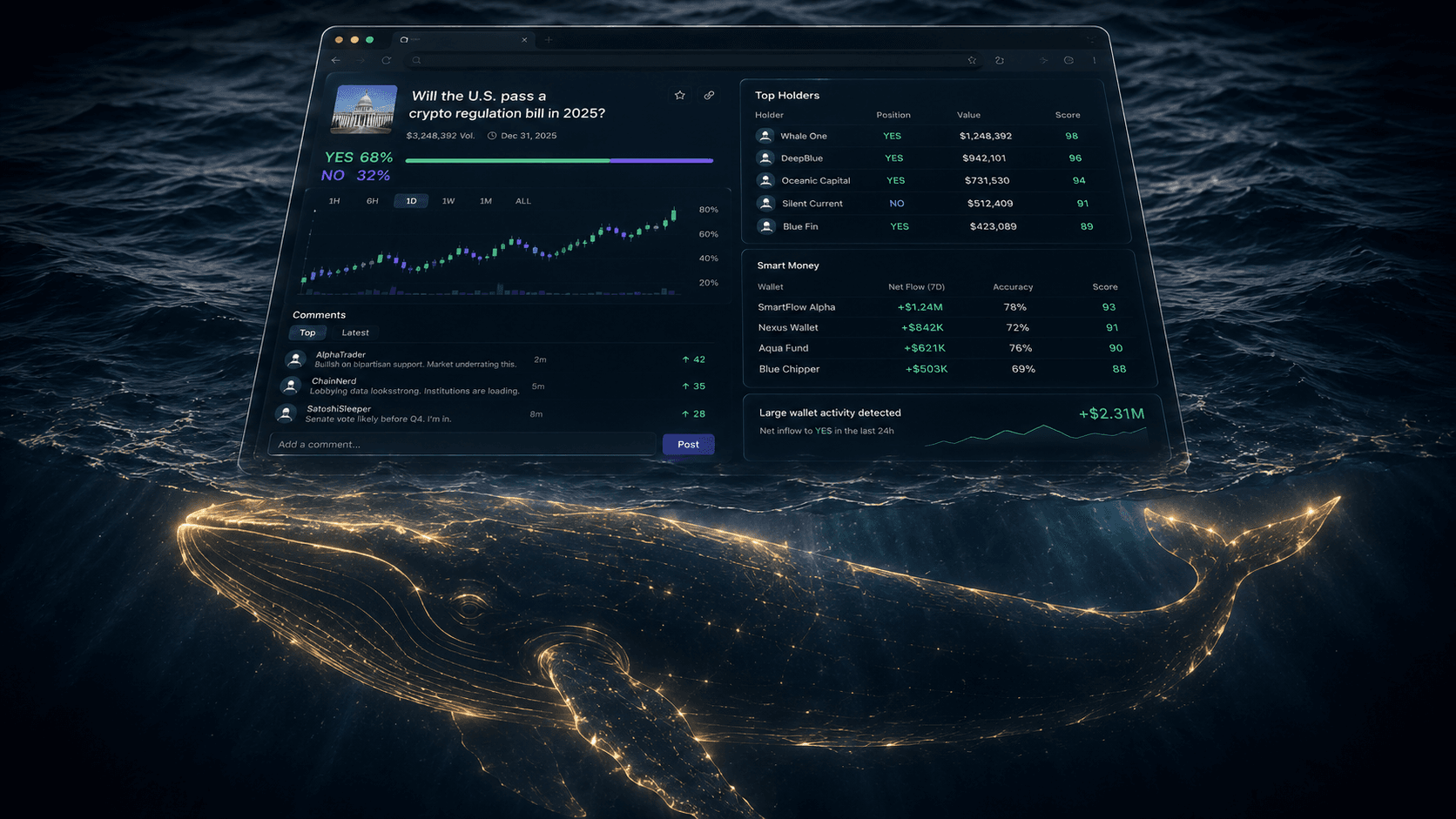
The Live Feed shows individual trades. The Whale Positions view shows accumulated exposure.
This is where a lot of the real edge lives. Whales who know what they are doing rarely show up as one giant clip on the tape. They build positions over hours or days, in chunks that look medium-sized individually but enormous in aggregate.
In the Positions view, you can see:
- Total exposure on each side of a market.
- Top holders by position size, not just by recent trade.
- Concentration: are three wallets holding 70% of the Yes side?
- Unrealized PnL of major positions, which often hints at conviction (or pain).
If a market looks balanced on the tape but Positions shows one wallet with $400k of quietly accumulated exposure, you are looking at a very different setup than the Live Feed alone suggests.
3. Whale Alerts: What You Want To Be Pinged About
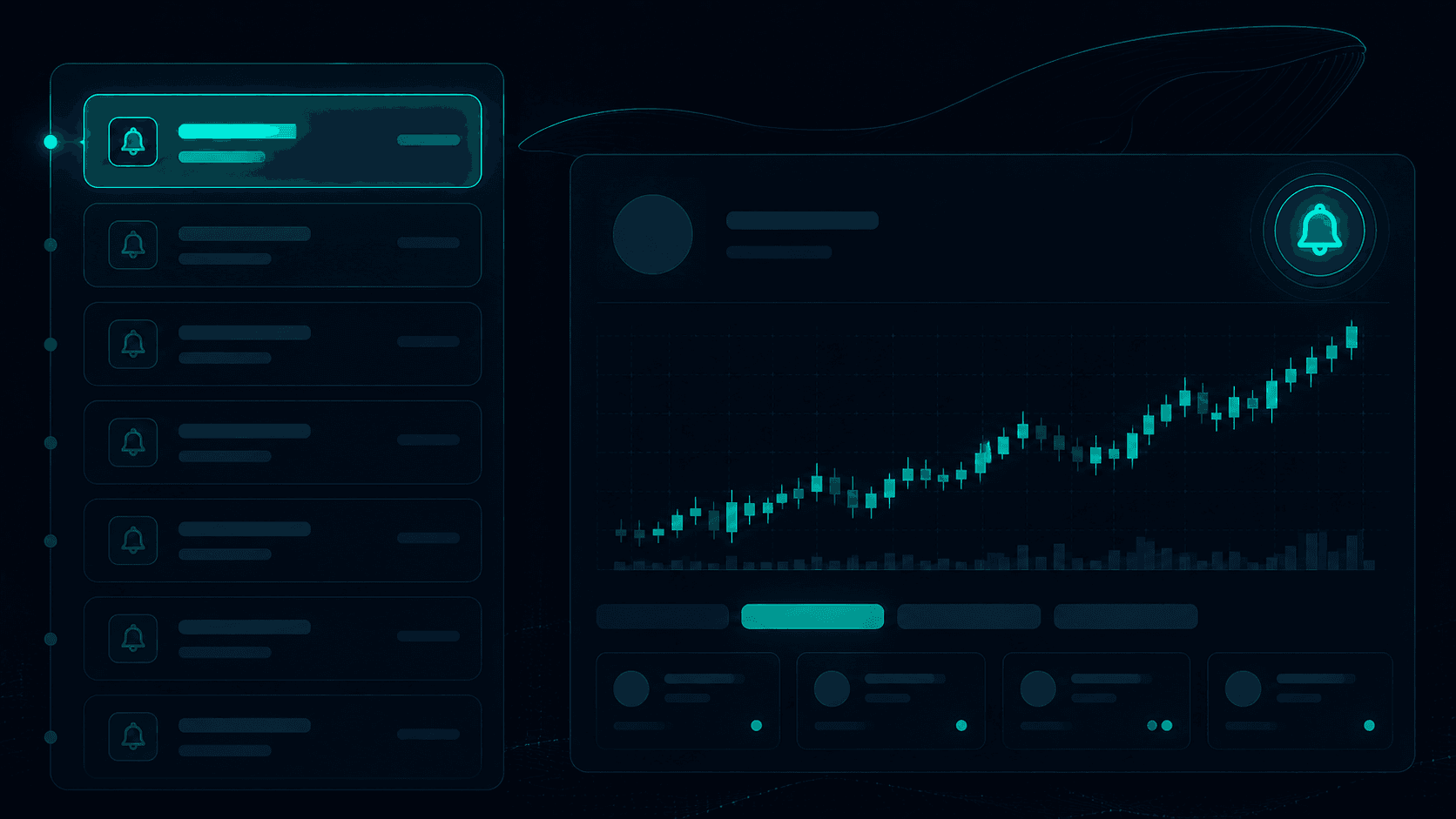
Live data only matters if you are looking at it. Whale Alerts push the moments you actually care about into your inbox or Telegram so you are not chained to a dashboard.
The alert configurations that work best in practice:
- Market-specific alerts on a few high-priority events you actively care about (an election, a championship, a Fed decision).
- Wallet-specific alerts on the 5 to 10 traders you have already vetted as worth following. We covered the framework for picking those in How to Find Winning Wallets on Polymarket.
- Global "market mover" alerts on any single trade above a high dollar threshold ($50k, $100k+) across all of Polymarket. These are rare enough to be useful and big enough to matter.
If you can make it through a normal day without disabling your alerts, your thresholds are probably right. If your phone is constantly buzzing, you are over-alerted and you will start ignoring everything.
Reading Whale Flow Without Getting Tricked
Watching whales is one thing. Interpreting them correctly is another. The single biggest mistake new users make is treating every large trade as informed conviction. Plenty of whale trades are not.
Here are the categories you have to keep separate in your head:
1. Conviction Buys
A profitable trader buying aggressively into a market with a real catalyst. This is the best signal you can get from the tape.
2. Hedges
A wealthy trader using Polymarket to hedge real-world exposure. Their trade does not reflect their prediction. It reflects their portfolio. This is common around macro and political markets.
3. Market Maker Flow
Some large wallets exist to provide two-sided liquidity. They are simultaneously bidding and offering. Their net position is small or zero. Their flow is not directional.
4. Wash Activity
Especially in lower-liquidity markets, related wallets can ping-pong size between each other. This inflates volume and creates the illusion of conviction. Real flow that hits resolution profitably looks very different.
5. Distribution
A profitable whale who quietly sells into strength as the market price rises. On the tape, this looks like Buy pressure (because the counterparty bid is being filled), but the whale is exiting. Always check Positions before assuming a buy on your tape is bullish.
The Smart Money Tracker and the methodology in How to Spot Smart Money on Polymarket help you separate these categories by scoring traders based on long-term performance rather than just recent volume.
A Simple Framework for Trading Whale Data
Once you have the views and the alerts wired up, the question is: how do you actually act on this stuff?
A clean five-step framework:
Step 1: An alert fires.
Either a tracked wallet hit a market, or a market mover crossed your global threshold.
Step 2: Open the market and check the order book.
How deep is liquidity? How wide is the spread? Did the whale's trade clear levels, or barely move the price? Liquid markets give cleaner signals than thin ones.
Step 3: Cross-check Positions.
Is this whale building a new position, adding to an existing one, or closing? "Big buy" can mean any of these. Positions tells you which.
Step 4: Form your own view.
Why might this whale be on this side? Does it fit their lane? Is there a real catalyst? Are you actually agreeing because you have a view, or just because the size is intimidating?
Step 5: Size for your conviction, not theirs.
Use limit orders where you can. The whale's $300k clip is irrelevant context for your $1k stake. You are scaling to your own risk tolerance.
If at any step the answer feels weak, skip the trade. Whale alerts are a research feed, not a buy button. The losses come from acting on every signal. The edge comes from acting on the right ones.
Common Whale Tracker Mistakes
A few patterns we see repeatedly:
Treating every alert as a buy signal.
The data is there to prompt research, not to replace it. The traders who get value out of whale tracking are the ones who skip 80% of the alerts they receive.
Ignoring the Positions view.
The Live Feed is the flashy part. Positions is where the conviction lives. Both views are needed.
Setting thresholds too low.
Alert fatigue kills the system. Better to miss a few medium trades than to be numb to all of them. Start with high thresholds and lower them only if you are missing things.
Following famous wallets rather than profitable wallets.
A wallet on crypto Twitter is not automatically informative. Run any wallet through the filters in How to Find Winning Wallets on Polymarket before trusting it.
Copying size.
A whale risking 0.5% of a $5M bankroll is in a completely different position than you risking 50% of a $10k bankroll. Match conviction, not dollars.
Conclusion
The Polymarket Whale Tracker is one of the most powerful pieces of public data in any market in the world. Every position, every fill, every accumulation is on chain and inspectable. The tracker just turns that into something you can actually use without writing your own indexer.
The complete workflow:
- Use the Whales Live Feed for real-time large flow.
- Use Whale Positions for accumulated exposure.
- Use Whale Alerts so you do not have to babysit the dashboard.
- Filter for genuine signal versus hedges, market makers, and wash trades.
- Trade your own thesis, sized to your own conviction.
If you treat the tracker as a research engine instead of a copy button, it will quietly become one of the most useful tools in your stack.
Resources:
Frequently Asked Questions
What is a Polymarket whale tracker?
A Polymarket whale tracker is an analytics tool that monitors on-chain activity for large trades, accumulated positions, and market-moving wallets. The Polymarket Wallet Tracker parses raw blockchain data into a usable feed across markets, with filters for size, market, side, and specific wallets.
How big does a trade have to be to count as a whale trade?
There is no fixed number. In a top-tier political market, $50k may not move the price. In a niche market, $5k might. The right threshold is relative to the market's depth, the wallet's typical size, and the alert noise level you are willing to tolerate.
How do I avoid alert spam from whale alerts?
Set higher thresholds than you think you need. Limit market-specific alerts to events you actively care about. Layer wallet-specific alerts only on traders who have passed your vetting framework. Pipe them into Telegram via Polymarket Telegram Alerts so they sit in one channel instead of polluting your main inbox.
Should I just copy whale trades?
No. Whale flow is a research input, not an order. Whales hedge, distribute, wash, and lose. The wallets worth following pass a sample-size and PnL-curve filter, and even then, you should form your own thesis before sizing a trade. See 5 Common Mistakes New Polymarket Traders Make for why blind copy trading is the most expensive habit on Polymarket.