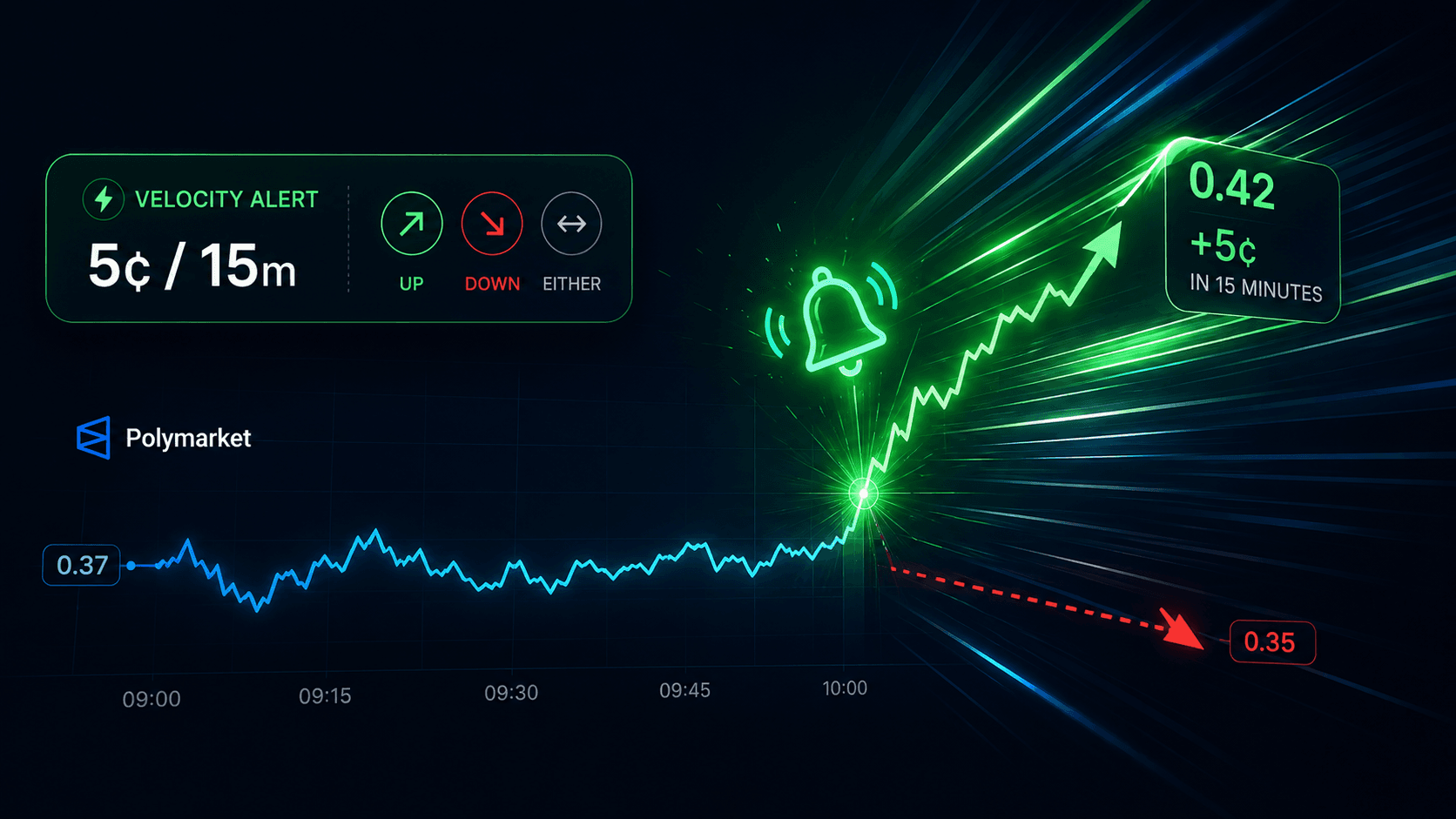
Polymarket Alert Bot: How to Set Up Telegram Alerts
Email is fine for a record of what happened. It is a poor way to find out that a Polymarket market just crossed your entry price, because you will read it twenty minutes later. A message on your phone is a better fit, and for most traders that means Telegram.
PolyAlertHub's Telegram bot, @PolyAlertHubBot, is how the alerts you configure in the app reach your phone. It does not replace the alerts themselves: you still create price, market, whale and trader alerts in PolyAlertHub, and the bot is the delivery channel. This guide covers the whole setup: connecting the bot, confirming where an alert will be delivered before you save it, choosing which alerts deserve a push on your phone, and keeping the chat quiet enough that you will still read it in a month. If you want the broader picture first, start with our overview of Polymarket alerts, or read the Telegram alerts feature page.
What You Will Learn
- How to connect the bot from your account settings, and the other places the connect button appears
- How to confirm where an alert will be delivered before you create it
- Which alert types make sense on a phone and which are better as email
- How to stop a busy market from flooding your chat
- What changes when you disconnect Telegram
Key Takeaways
- Connect Telegram from your profile's Account Settings with the Connect Telegram button. It opens @PolyAlertHubBot with a link tied to your account.
- Free accounts can connect Telegram and receive alerts there. The Free limit is 3 active alerts in total, shared across price, market, whale and trader alerts.
- Delivery is an account-level setting, not a per-alert one. Whatever you have configured (email and/or Telegram) applies to your alerts.
- The price alert form shows you the destination in its Confirm section before you save.
- Connecting Telegram also lowers the minimum share size on trader alerts: Free 50 shares instead of 250, Advanced 10 shares instead of 100.
- If you disconnect Telegram, your alerts are delivered to your account email instead.
What the Polymarket Alert Bot Does (and What It Does Not)
"Polymarket alert bot" can mean several things on the internet: a script someone hosts on their own server, a community bot that posts large trades into a public channel, or a trading bot that places orders for you. PolyAlertHub's bot is none of those. It is a hosted delivery channel: the Telegram end of the alerts attached to your own PolyAlertHub account.
That has a few practical consequences:
- The rules live in the app. You decide the market, the price, the direction, the wallet to follow or the category to watch in PolyAlertHub. The bot only carries the result.
- There is nothing to host. No API keys, no tokens to paste, no server to keep running. You link your account to the bot once.
- It follows your plan. The number of alerts you can have active depends on your plan, not on Telegram. Free is 3 active alerts in total; Advanced raises the price alert limit to 5,000 and gives you higher limits on market, whale and trader alerts.
If you are comparing hosted bots with each other, our best Polymarket alert tools comparison and the Polymarket alerts alternatives page put them side by side. This guide only covers PolyAlertHub's own bot.
Before You Start
You need three things:
- A PolyAlertHub account. If you do not have one yet, create a free account. You can sign up with email or with Telegram.
- A verified email address. PolyAlertHub requires email verification before you can create alerts, so get that done before you build your alert list.
- Telegram installed on your phone (or desktop) and logged in. The connect link opens a chat with the bot, so Telegram has to be able to open it.
If you signed up through Telegram, your account is already linked to it. In that case the Telegram row in your account settings shows as connected and has no disconnect button, so you can skip straight to creating alerts. If you later upgrade, PolyAlertHub asks for a real email address, because payment receipts need somewhere to go.
Step 1: Connect @PolyAlertHubBot
The standard route takes under a minute.
- Sign in and open your Profile page.
- Find Account Settings and look for the row titled Telegram Notifications. If you have not connected yet, its description reads "Get instant alerts on Telegram".
- Click the arrow button (its label is Connect Telegram). A new tab opens with a link to @PolyAlertHubBot. The link carries a short code tied to your account, which is how the bot knows which PolyAlertHub account to link.
- In Telegram, press Start if prompted.
- Return to PolyAlertHub (refresh the page if it still shows the old state). The Telegram row now says Connected as @yourusername.
That is the whole connection: nothing to copy between apps and no API keys.
Two notes on this step:
- Start from your own account. Use the Connect Telegram button inside your signed-in session rather than a link someone sends you. The link is personal to the account it was generated for.
- The button appears in other places too. During onboarding there is a Telegram card with a Connect (1-Click) button, and the home Trading Hub shows a Connect to Telegram row until you have connected. They all open the same bot with the same kind of link, so use whichever you see first.
If the row still shows "Get instant alerts on Telegram" after you pressed Start, check that you tapped Start in the right chat, then use the arrow button again.
Step 2: Confirm Where an Alert Will Be Delivered
Delivery in PolyAlertHub is an account-level setting. Your alerts use the email and/or Telegram settings you have configured, rather than a separate channel choice on each alert. That keeps setup simple, and it means one decision (connect Telegram or not) changes where everything arrives.
You do not have to guess where an alert will go. When you create a price alert, the last section of the form is Confirm, and it states the destination in plain words: "You will receive this alert via" followed by the email address or the Telegram username that will be used. Read that line before pressing Create Alert. If it names the wrong destination, fix your account settings first.
A good habit for your first alert:
- Open Price Alerts from the alerts section of the app and click Create Alert.
- Under Market & Outcome, search for a market that is actively trading and choose Yes or No.
- Under Price & Direction, enter a target just beyond the current price. The form validates against the live price: an Above target must be higher than the current price, and a Below target must be lower. Targets run from 0.001 to 0.999.
- Leave Repeating Alert off, so the test alert completes after one trigger and frees its slot.
- Check the Confirm line, then create the alert.
When the market crosses your target, the message arrives in the bot chat. If you want a step-by-step walkthrough of the other settings on that form (outcome, direction, repeating, cooldown, max triggers), our guide to Polymarket price alerts covers each field.
Which Alerts Belong on Your Phone
Because delivery is account-wide, every alert type you create lands in the same place. That makes it worth choosing carefully, since a phone buzz is only useful if it is rare enough to matter. Here is how the main types fit.
| Alert type | Good fit for a phone push? | Why |
|---|
| Price alert at a planned entry or exit | Yes | The level was your decision, and speed matters if the price is moving |
| New market / new event alert | Yes, in narrow categories | Early listings are time-sensitive; see our new market alerts guide |
| Market proposed / disputed alert | Yes | Rare, state-changing events; see the resolution and dispute alerts guide |
| Trader alert on a few vetted wallets | Yes | Few wallets, high signal; see trader alerts |
| Whale alert across many markets | Only with strict filters | A broad whale alert can be a firehose; see whale alerts |
| Price movement / volume change alert across a wide scope | Only with high thresholds | Wide scope plus low thresholds is the fastest way to get ignored |
The rule of thumb: if you would not stop what you are doing to look at it, it should not buzz your phone. A narrow rule you act on every time beats a broad rule you mute after a week.
Keeping the Chat Quiet
Telegram is a phone-first channel, so the noise problem arrives faster than it does with email. These are the controls that actually exist in PolyAlertHub, and how to use them.
Use cooldowns on repeating alerts. A repeating price alert re-arms after a cooldown and can fire again. On the Free plan the cooldown is fixed at 60 minutes. On Advanced you can pick 15 minutes, 30 minutes, 1 hour, 2 hours, 4 hours, 12 hours or 24 hours. In a choppy market, choose a long cooldown so one move does not become ten messages.
Cap the number of triggers. Repeating alerts have an optional Max Triggers setting from 1 to 100. Once the cap is reached, the alert completes by itself. Leaving it empty means unlimited.
Narrow the scope. For market alerts, pick specific categories rather than excluding one or two. For movement and volume rules, a narrow scope with a sensible threshold beats a broad scope with a tight one. Our guides to price movement alerts and volume change alerts explain the trade-offs.
Pause instead of delete. If you are going offline or a big event is flooding a category, pause the alert and reactivate it later. You keep the setup and lose the noise.
Use Telegram's own controls for the chat. How the notification looks on your phone (sound, preview, muting) is controlled by Telegram's per-chat notification settings, not by PolyAlertHub. Giving the bot chat a distinct sound is a cheap way to tell an alert from a message.
Why Connecting Telegram Also Changes Your Trader Alert Limits
There is one place where connecting Telegram changes what you can configure, not just where messages go. For trader alerts that follow new trades, the minimum share size you can set is lower when Telegram is connected:
| Plan | Minimum shares without Telegram | Minimum shares with Telegram |
|---|
| Free | 250 | 50 |
| Advanced | 100 | 10 |
In practice, that lets you follow a wallet's smaller trades if you are willing to receive them on your phone. If you are building a watchlist of specific wallets, see how to pick them in how to find winning wallets on Polymarket, then set the alerts. Remember that each alert uses a slot on the Free plan, so follow wallets whose trades you will actually act on.
What Happens When You Disconnect
You can disconnect from the same row in Account Settings. The button turns into a Disconnect Telegram option, and PolyAlertHub asks you to confirm. The confirmation explains the effect: your alerts will be delivered to your account email instead of Telegram.
That makes disconnecting a safe, reversible step. If you need a break from phone alerts, or you change phones, you disconnect, keep receiving alerts by email, and reconnect later with the same button. Your alert rules are not deleted when you disconnect.
A Starter Setup That Fits the Free Plan
The Free plan gives you 3 active alerts in total, shared across price, market, whale and trader alerts. That is enough for a focused setup that you will actually read on your phone. One workable pattern:
- A price alert at your entry level on one market you already have a view on, non-repeating, so it completes after it fires.
- A price alert at your exit or stop level on a position you hold.
- One market alert or trader alert, depending on your style: a new market alert in one category you trade, or a trader alert on a single wallet you trust.
Completed and cancelled alerts do not count against the limit, only active ones, so a non-repeating alert gives its slot back once it fires. For more on spending those three slots, see our guide to what the free plan includes.
From Alert to Decision
A phone alert is a prompt to look, not an instruction. Whatever arrives in the chat, the useful sequence is the same:
- Read what fired. Note the market, the outcome and the level or wallet that triggered it.
- Open the market and check the book. The price in the message may be stale by the time you open it, especially in thin markets.
- Check for a reason. News, a whale trade or a volume jump explains whether the move has conviction behind it. Our guide to analyzing whale trades like a pro is a good checklist.
- Use a limit order at a price your own estimate supports, as explained in Polymarket limit orders vs. market orders.
- Update or retire the alert. If you acted, set the exit alert. If you did not, ask whether the rule was worth firing.
Speed is part of the point of a Telegram alert, and PolyAlertHub aims to deliver within seconds of the trigger, but delivery time also depends on Telegram and your phone. Do not build a strategy that only works if the message arrives to the second.
Frequently Asked Questions
Is the Polymarket alert bot free?
Free accounts can connect Telegram and receive alerts there. The limit on a Free account is 3 active alerts in total, shared across price, market, whale and trader alerts. Advanced raises the price alert limit to 5,000 active alerts and gives higher limits on market, whale and trader alerts, plus custom cooldowns.
How do I connect Telegram to PolyAlertHub?
Open your Profile page, go to Account Settings, find the Telegram Notifications row and click Connect Telegram. It opens @PolyAlertHubBot with a link tied to your account. Press Start in Telegram, then return to PolyAlertHub. The row shows "Connected as" followed by your Telegram username when it has worked.
Can I choose Telegram for some alerts and email for others?
Delivery is set at the account level: your alerts use the email and/or Telegram settings configured on your account. The Confirm section of the price alert form tells you the destination before you save, so check it there. If you want email only, disconnect Telegram and alerts go to your account email.
Which alert types can I receive on Telegram?
Price, market, whale and trader alerts all deliver through your account's delivery settings. Which of them you can create depends on your plan: smart money alerts, for example, are not available on the Free plan.
What happens to my alerts if I disconnect the bot?
Nothing is deleted. After you confirm the disconnect, alerts are delivered to your account email instead of Telegram, and you can reconnect at any time with the same button.
I signed up with Telegram. Do I need to connect it again?
No. Accounts created through Telegram are already linked, so the Telegram row shows as connected. You will still be asked for a real email address, because payment receipts are sent by email.
How fast do Telegram alerts arrive?
PolyAlertHub delivers alerts within seconds of the trigger condition being met. The last step, getting a push to your phone, depends on Telegram and your device, so treat the alert as a prompt to look rather than a fill price.
Keep Reading
Disclaimer: The content provided in this article and via the PolyAlertHub tools is for informational purposes only. It does not constitute financial, investment, or trading advice. Prediction markets carry high risk, and you should never wager more than you can afford to lose. Past performance does not guarantee future results.